在 Hostinger 开始使用 Appwrite VPS 模板。
Appwrite 是一个开源的后端即服务(BaaS)平台,简化了 Web、移动和服务器端应用的开发。它提供用于管理数据库、身份验证、云函数等的预构建 API,让开发者能够专注于构建功能,而无需担心后端基础设施。Appwrite 专为可扩展性和安全性而设计,支持多种平台和编程语言。
如果你还没有 VPS,可在此处查看可用选项:Appwrite VPS 托管 🚀
借助 Hostinger 的 Ubuntu 24.04 64bit with Appwrite VPS 模板,Appwrite 因预装而设置精简。
步骤 1 — 访问 Appwrite

打开 Web 浏览器并访问:
http://[your-vps-ip]
将 [your-vps-ip] 替换为你的 VPS 实际 IP 地址。
或者,你可以使用你的 VPS 主机名 访问。
你将被引导到登录页面。到达后,点击 Sign Up(注册) 按钮创建一个新账户。
输入你的详细信息以注册。你创建的账户将作为管理 Appwrite 服务器的 root 账户。
步骤 2 — 创建项目
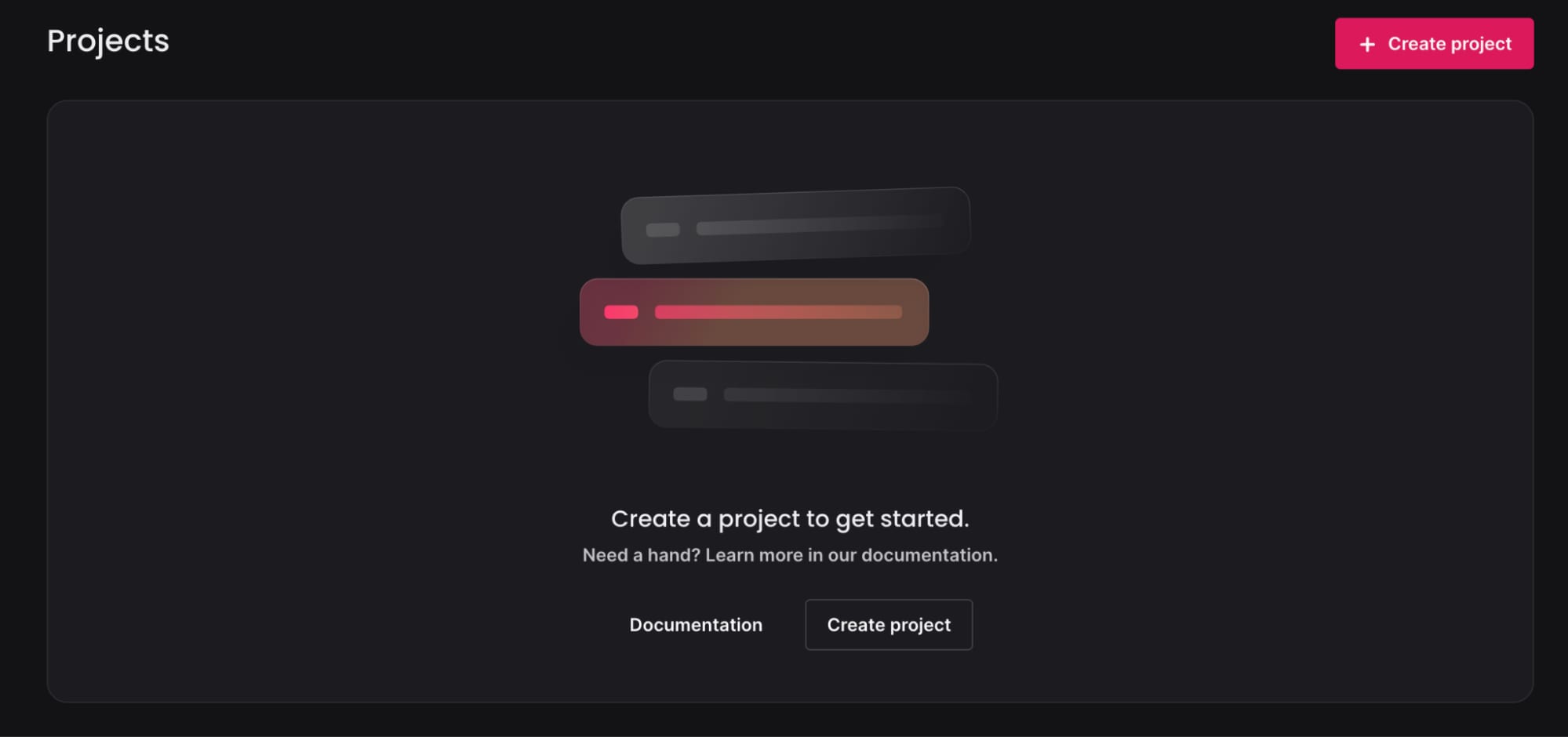
注册后,你将可以选择创建你的第一个项目:
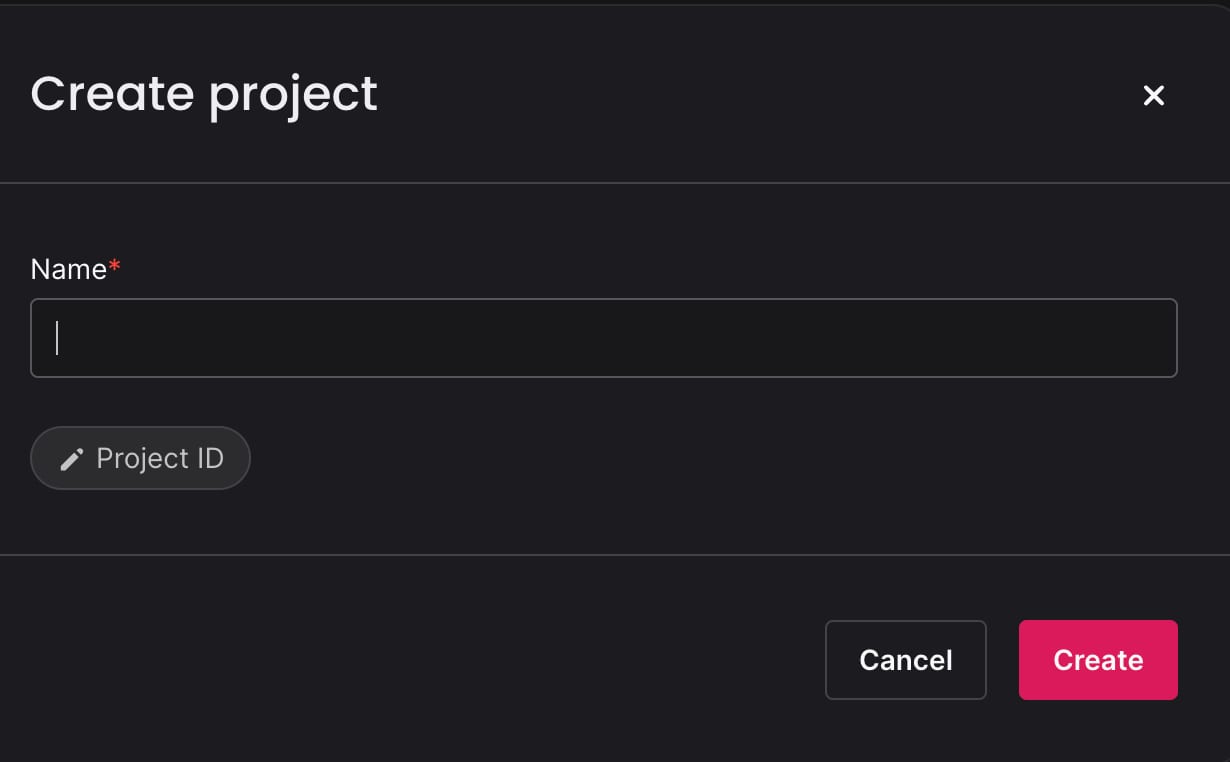
输入项目名称,添加可选的自定义 ID,然后点击 Create Project(创建项目) 按钮继续:
之后,你将被重定向到项目概览页面,在那里你可以继续设置项目,包括连接应用、设置数据库、存储以及其他配置。
开始使用 Appwrite 后,你现在已具备轻松构建、管理和扩展应用的能力。
附加资源
来源:Hostinger 官方帮助文档