开始使用 FASTPANEL VPS 模板。
FASTPANEL® 是一个现代的 VPS 控制面板,可简化 Web 服务器管理,为托管网站、管理域名和配置服务器设置提供直观的用户界面。
在 Hostinger,我们有一个预装了 FASTPANEL 的 Ubuntu 24.04 VPS 模板,提供了一种高效管理服务器的方式。
要开始使用,请 安装 FASTPANEL 并遵循本指南 👇
访问 FASTPANEL
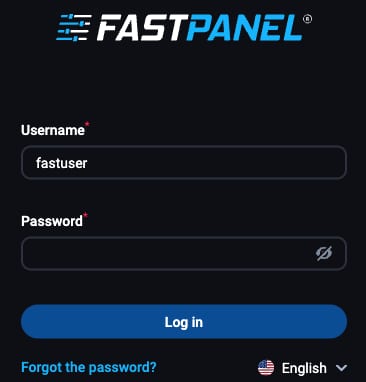
打开 Web 浏览器并导航到:
https://vps_ip:8888
将 vps_ip 替换为你的 VPS IP 地址。
要登录 FASTPANEL,请使用以下凭据:
- 用户名:fastuser
- 密码:输入你在 FASTPANEL 安装期间设置的密码
配置你的服务器
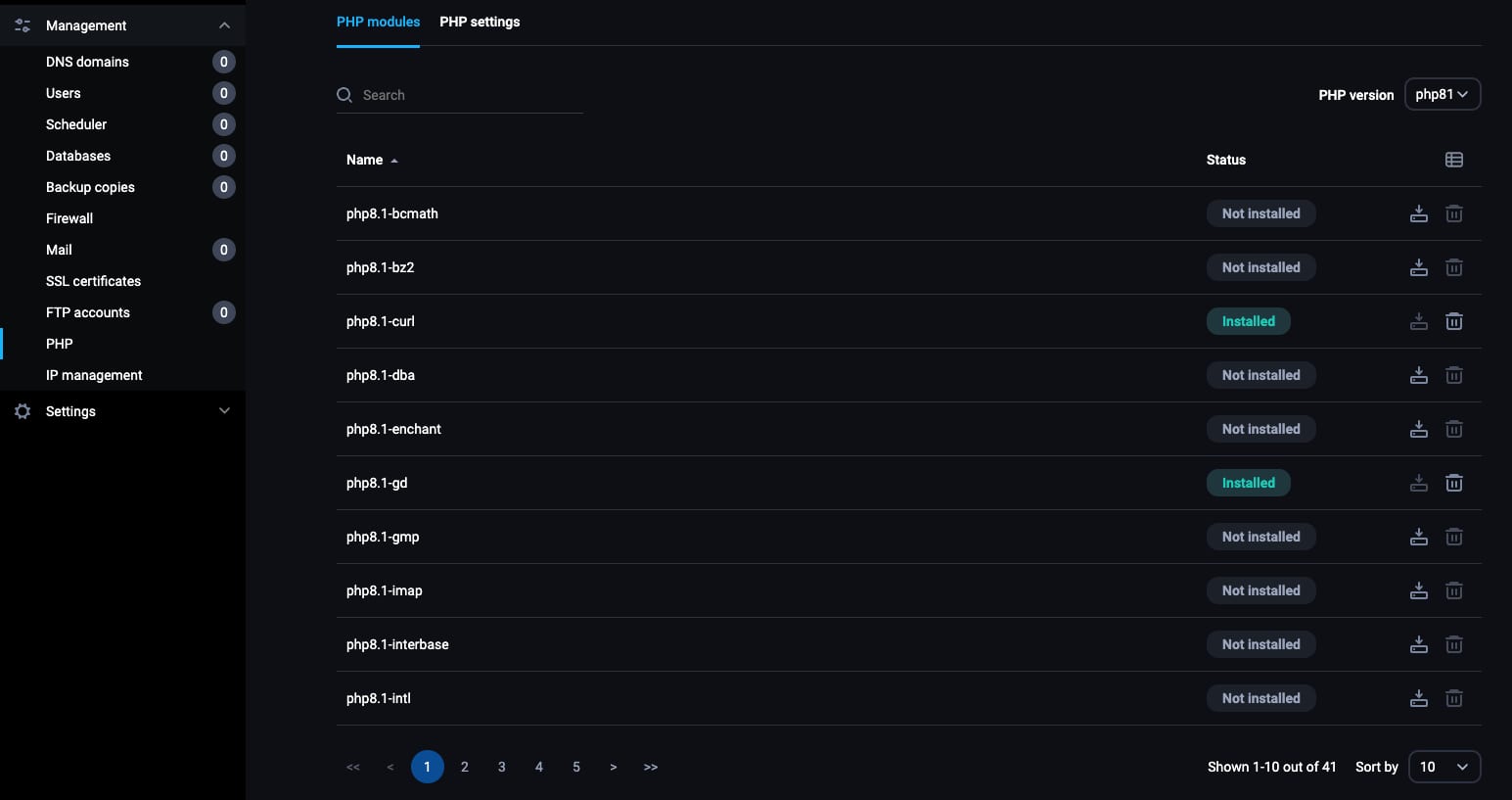
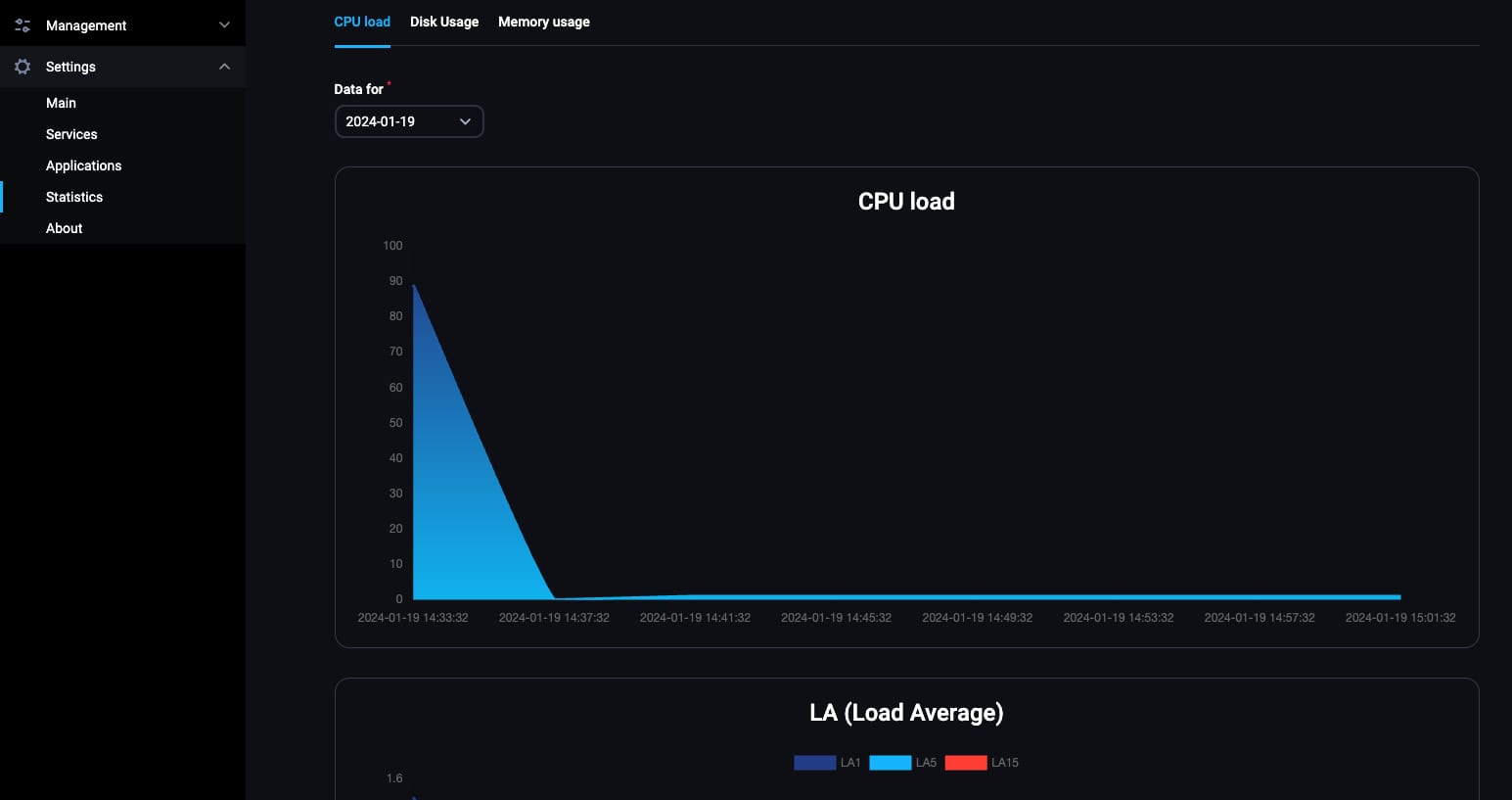
熟悉 FASTPANEL 中的服务器设置选项。这包括管理 PHP 版本、设置邮件服务器和配置安全设置。
使用 FASTPANEL 监控你服务器的资源使用情况,如 CPU、内存和磁盘空间。
管理网站
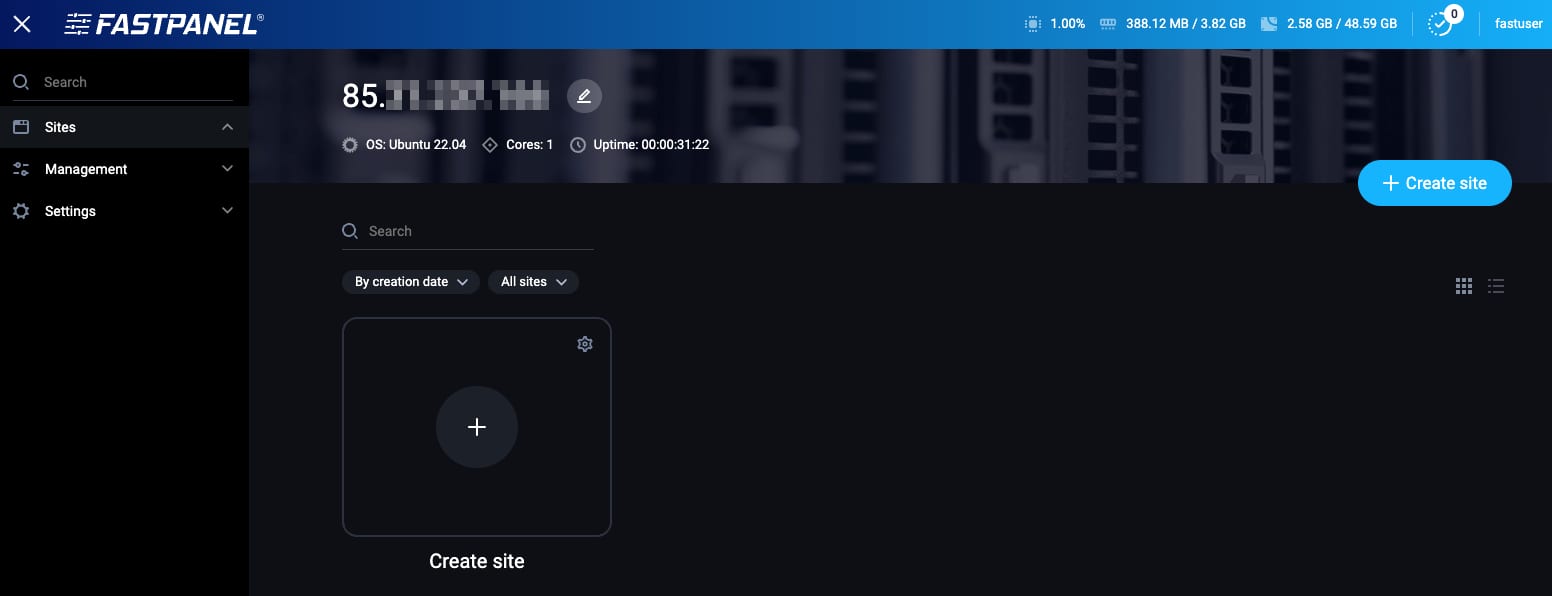
要托管网站,请导航到 Websites(网站) 区块并添加新网站。输入你的域名并配置必要的设置。
你也可以通过 FASTPANEL 直接安装 SSL 证书来保护你的网站。
邮件管理
你可以直接从 FASTPANEL 创建和管理你域名的邮件账户,配置邮件转发并设置过滤器以实现高效的邮件管理。
管理数据库
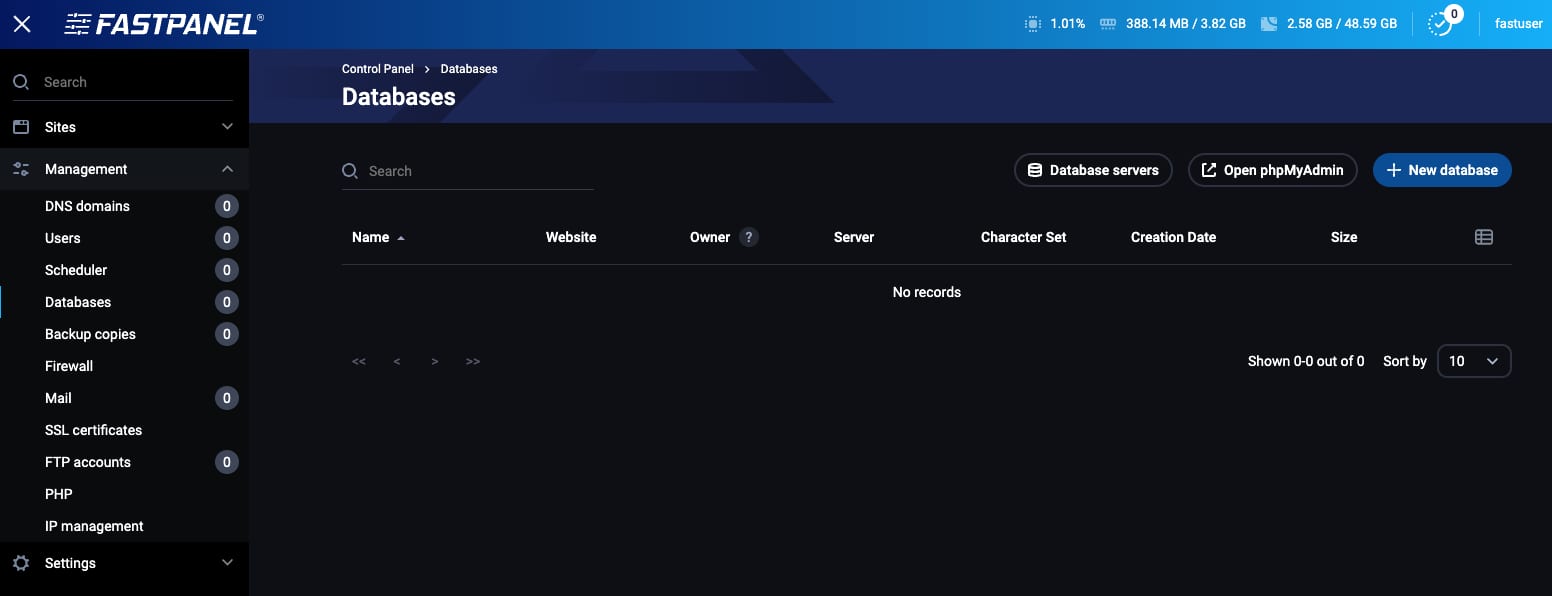
使用 FASTPANEL 创建和管理网站的数据库。这对于运行 WordPress 等内容管理系统至关重要。
为你的数据库分配用户,为每个用户设置适当的权限。
Hostinger 的 Ubuntu 24.04 with FASTPANEL VPS 模板是轻松管理服务器和网站的绝佳选择。FASTPANEL 用户友好的界面和全面的功能集使其成为 Web 管理员的强大工具。
如需进一步指导和高级配置,你可以参考官方 FASTPANEL 文档 💡
来源:Hostinger 官方帮助文档