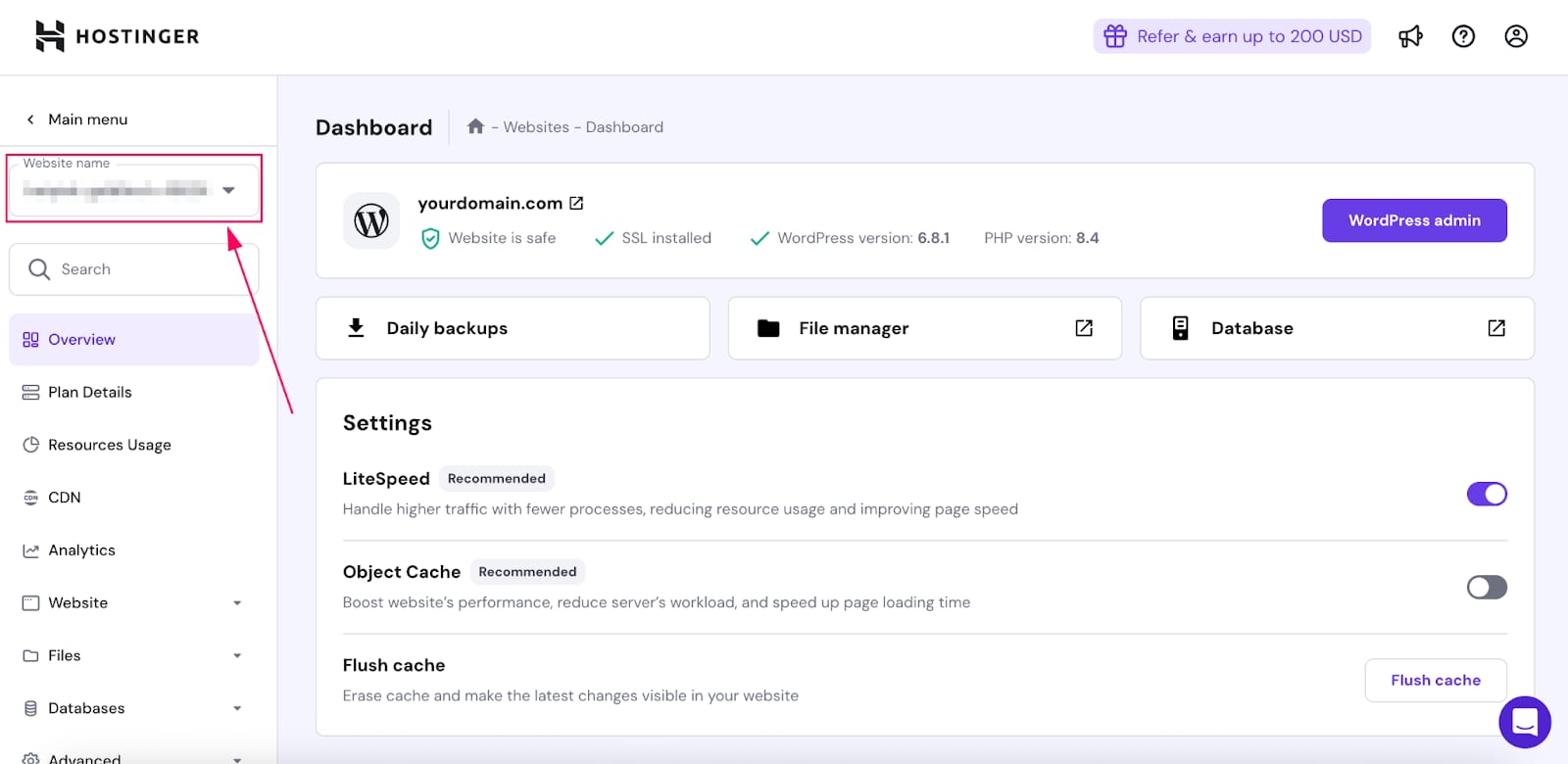
 Hostinger website selector dropdown highlighted in the sidebar dashboard
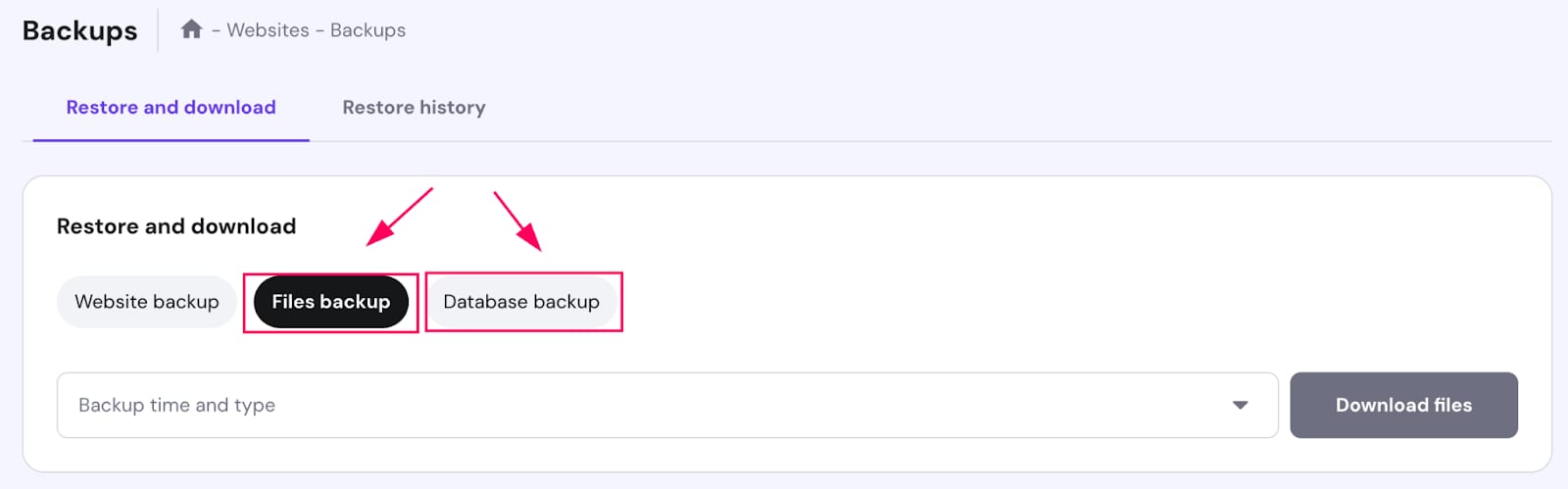 Hostinger backups page with Files backup tab selected and Database backup tab beside it
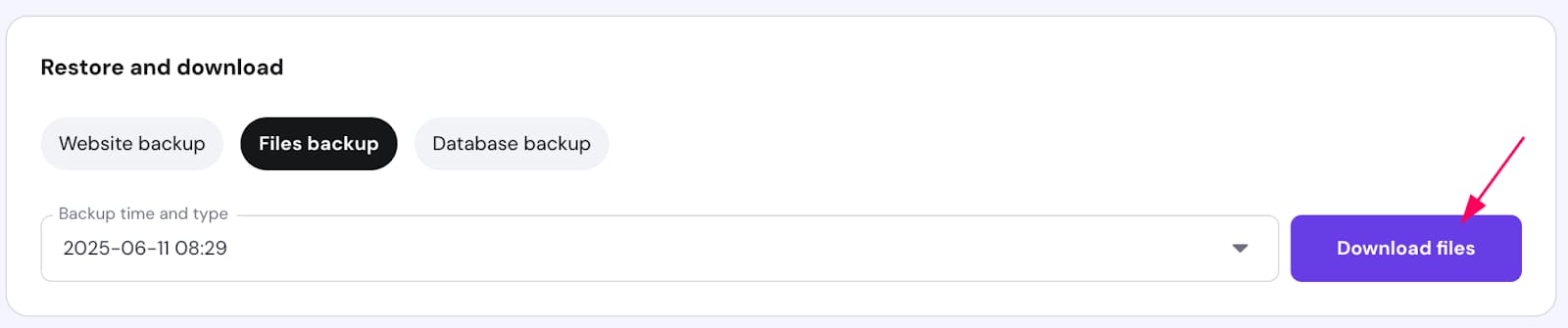 Hostinger Agency Hosting files backup tab with Download files button highlighted
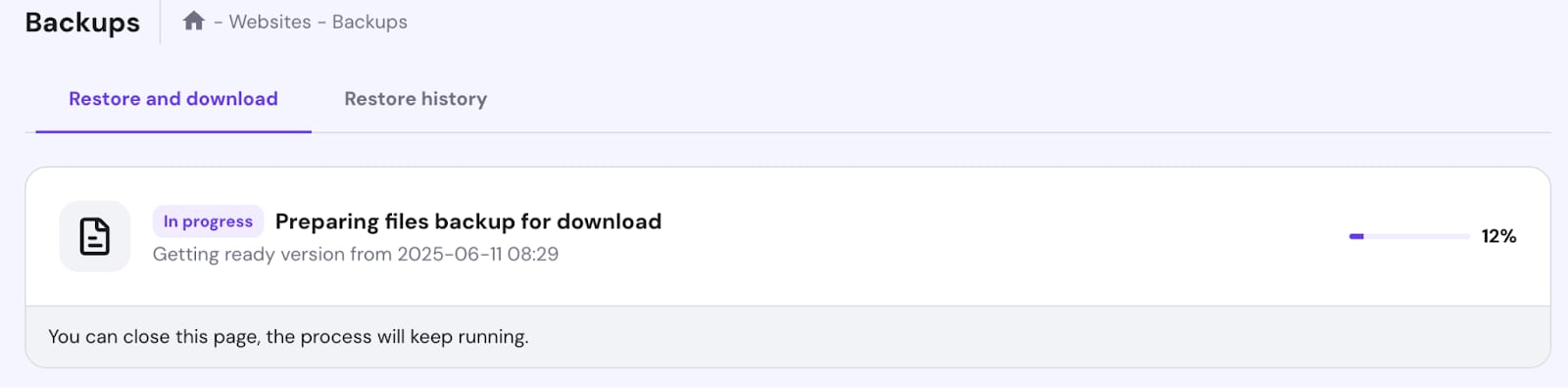 Hostinger Backups page showing files backup download in progress at 12%
了解如何从 Agency 套餐的 hPanel 区域快速下载您的网站或数据库备份。
第 1 步 —— 在 hPanel 中选择您要下载文件的网站(在左侧菜单中):
第 2 步 —— 点击 Daily Backups(每日备份):
第 3 步 —— 进入下拉菜单,选择数据,然后点击 Download files(下载文件) 或 Download database(下载数据库):
第 4 步 —— 会显示一个进度条表示文件准备情况:
达到 100% 后,您就可以将备份下载到本地设备了。
来源:Hostinger 官方帮助文档