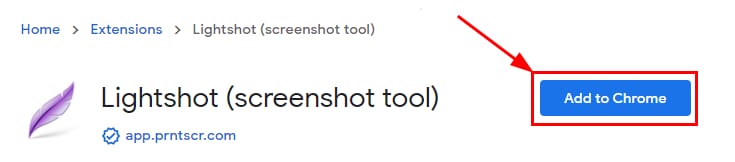
Lightshot extension page with the Add to Chrome button highlighted
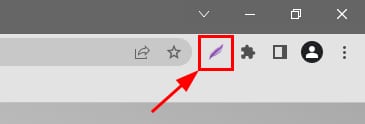
Chrome toolbar screenshot tool icon highlighted in the top right next to the extensions menu

创建截图并将其保存到你的设备

你可以使用 Lightshot 扩展在 Google Chrome 中轻松截图。

在 Google Chrome 中,打开以下链接:Lightshot – Chrome 网上应用店,点击 Add to Chrome(添加到 Chrome)

现在点击 LightShot 图标:

选择你想要捕获的区域,然后选择首选选项:

  1. 创建一个链接,你可以使用它来上传所需的图片。
  2. 将图片复制到剪贴板,你可以将其粘贴到任何需要的地方。
  3. 将图片作为文件保存到你的本地设备。

其他资源

来源:Hostinger 官方帮助文档