在当前托管服务商上禁用两步验证以将网站迁移到 Hostinger
两步验证(Two-factor authentication,2FA) 是为你的在线账户增加的一层额外安全保护,需要同时具备你已知的信息(如密码)和你拥有的设备(手机、安全密钥)才能登录。
将网站从其他服务商迁移到 Hostinger 时,禁用 2FA 并不能解决问题。由于系统会将不同的 IP 地址识别为不熟悉,从不同的 IP 地址访问服务仍会触发 2FA 验证,这是其安全体系的固有部分。
启用 2FA 时如何迁移网站

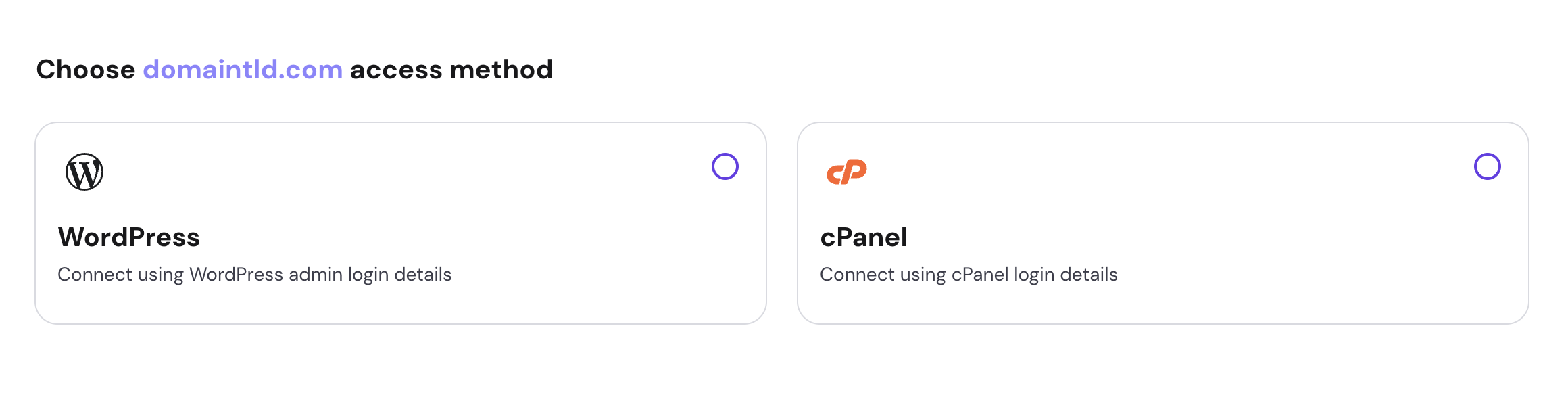
你可以选择另一种允许使用网站登录详情填写请求的迁移方式:
如果你的网站基于 WordPress,可以选择 WordPress;或者改用 cPanel 登录详情。
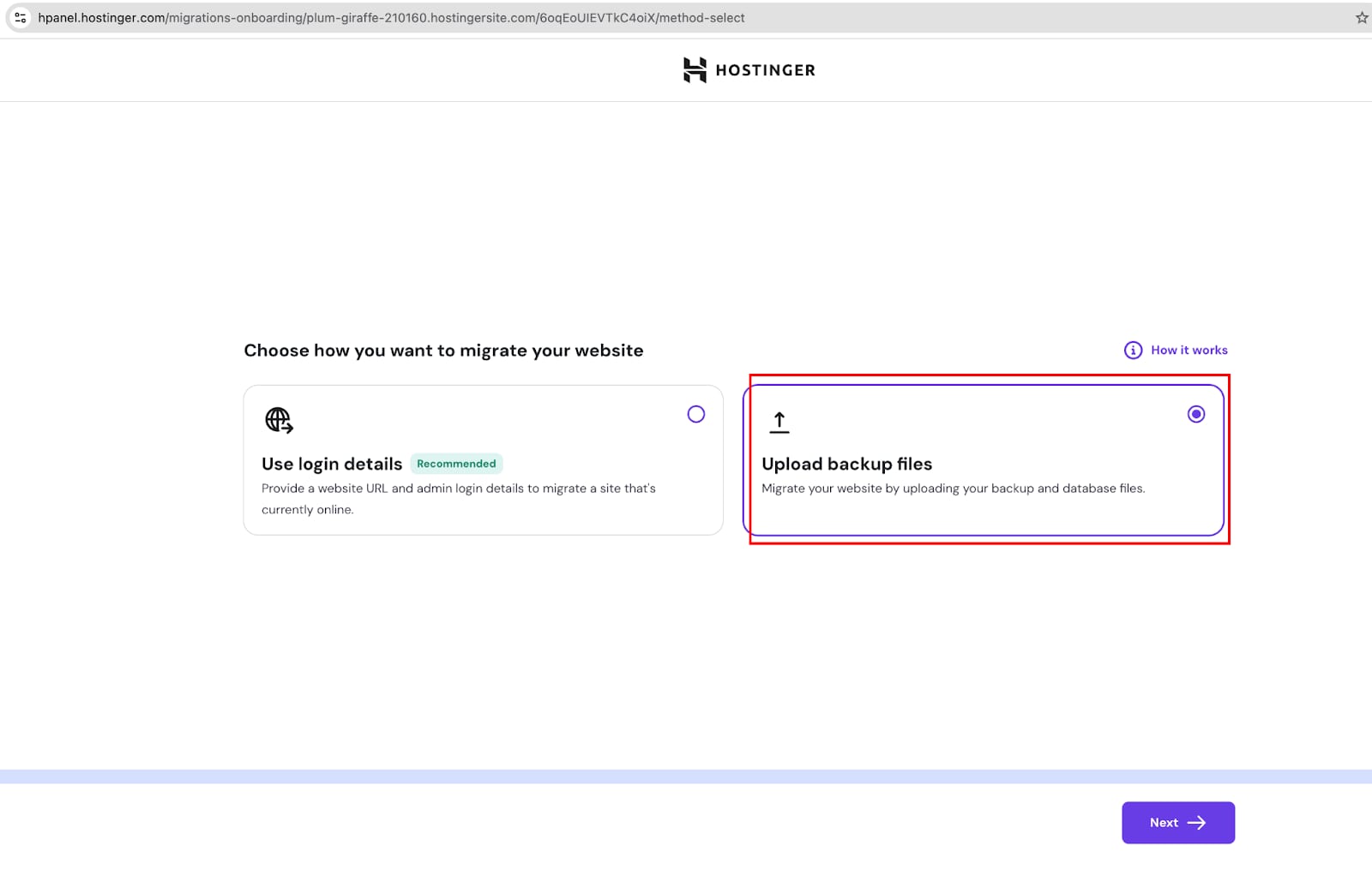
或者,如果你的网站处于离线状态,或者你拥有备份,可以返回上一步,使用 “Upload Backup Files(上传备份文件)” 选项轻松上传你的网站文件和数据库:
上传网站备份后,你将被重定向到一个摘要页面,在最终提交前查看迁移详情。一旦提交迁移请求,我们的专家迁移团队将为你处理转移,确保你的网站迁移顺畅无忧。
来源:Hostinger 官方帮助文档