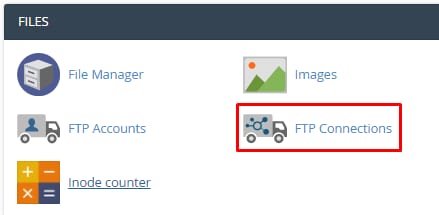

cPanel FTP Connections menu item highlighted
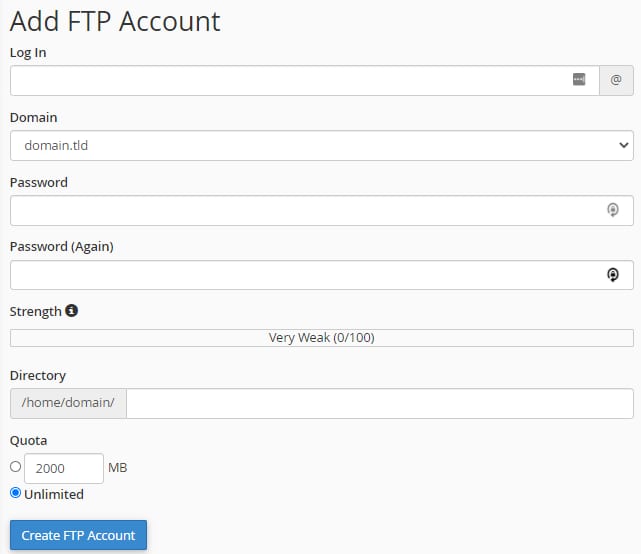
cPanel Add FTP Account form with Unlimited quota selected
Hostinger cPanel FTP Accounts page with the Delete action highlighted for an FTP account

通过 cPanel 创建额外的 FTP 账户

如果有多个用户需要访问你网站的文件,多个 FTP 账户非常有用。你还可以通过只允许新账户访问特定文件夹来限制其访问权限。

要创建新的 FTP 账户,请打开 cPanel 账户并点击 FTP Accounts 板块:

在页面顶部,你会看到 Add FTP Account 板块,在那里你可以选择域名并指定新 FTP 账户的用户名、密码、自定义目录和配额:

创建后,FTP 账户可以在 FTP Accounts 板块中轻松移除:

注意:

来源:Hostinger 官方帮助文档