关于如何安装和使用 AzuraCast VPS 预装模板的指南。
AzuraCast 是一个免费、开源的网络电台管理平台,允许用户设置和管理自己的在线广播电台。它提供用户友好的界面来处理媒体库、安排播放列表以及直播流。AzuraCast 支持多种流媒体格式,与 Icecast 和 SHOUTcast 等流行流媒体服务器集成,并包含听众分析、Web DJ 功能和自动点歌等特性。它专为易用性而设计,使初学者和经验丰富的广播员都能轻松上手。
借助 Hostinger 的 Ubuntu 24.04 64bit with AzuraCast VPS 模板,AzuraCast 的设置因预装而变得精简。本指南将帮助你在 VPS 上开始使用 AzuraCast。
访问 AzuraCast
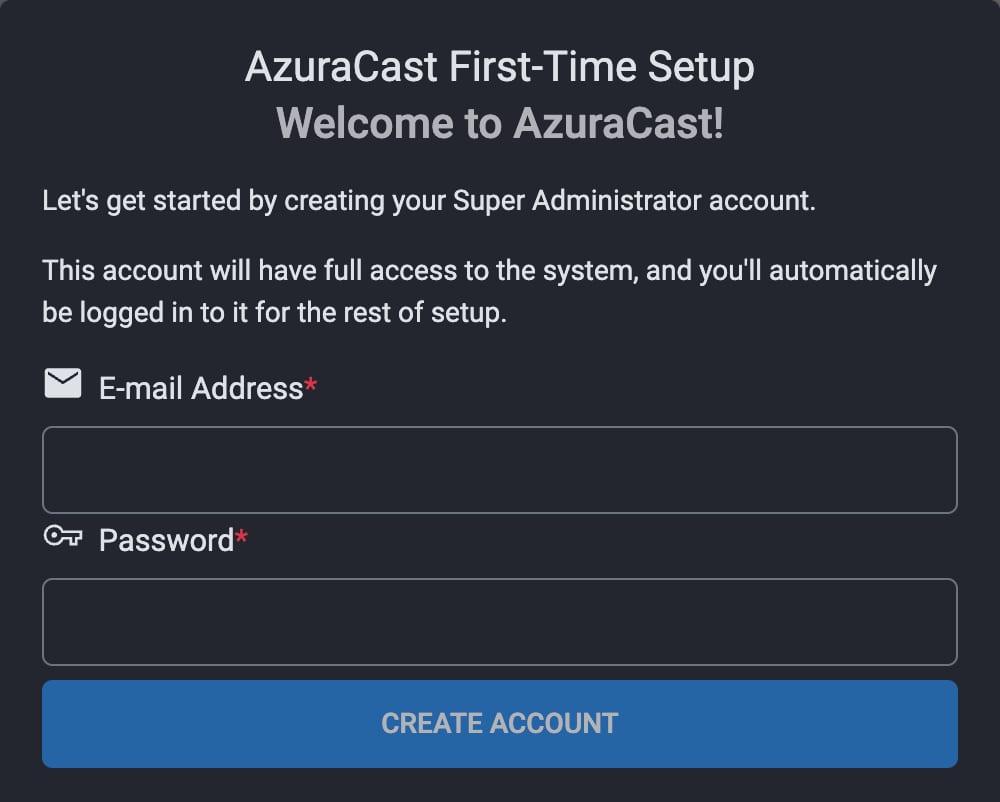
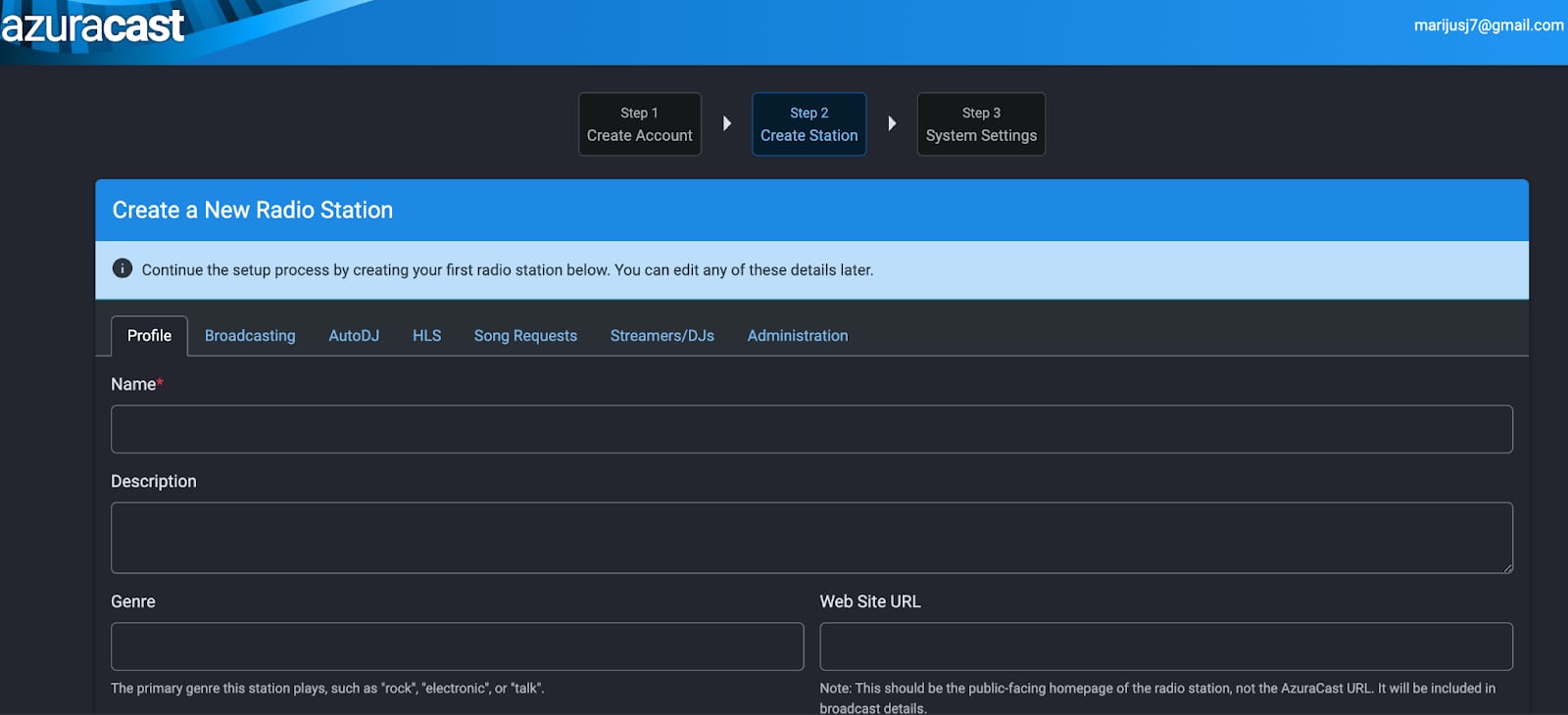
打开 Web 浏览器并访问:
http://your-vps-ip
你需要在那里通过创建管理员账户来完成设置。
创建账户后,你可以继续设置你的第一个广播电台。
更多信息 – 请参阅 AzuraCast 文档。
来源:Hostinger 官方帮助文档