如果你有托管在 cPanel 上的网站完整备份,可以借助 ImportExportTools NG 扩展轻松将邮件导入 Thunderbird。步骤如下 👇
第 1 步 – 在 Thunderbird 中安装邮件导入扩展
Thunderbird menu with Add-ons and Themes highlightedThunderbird add-ons search box with “importexporttools” typed in and highlightedThunderbird Add-ons search results with Add to Thunderbird button highlighted for ImportExportTools NGThunderbird extension permission dialog with Add button highlighted
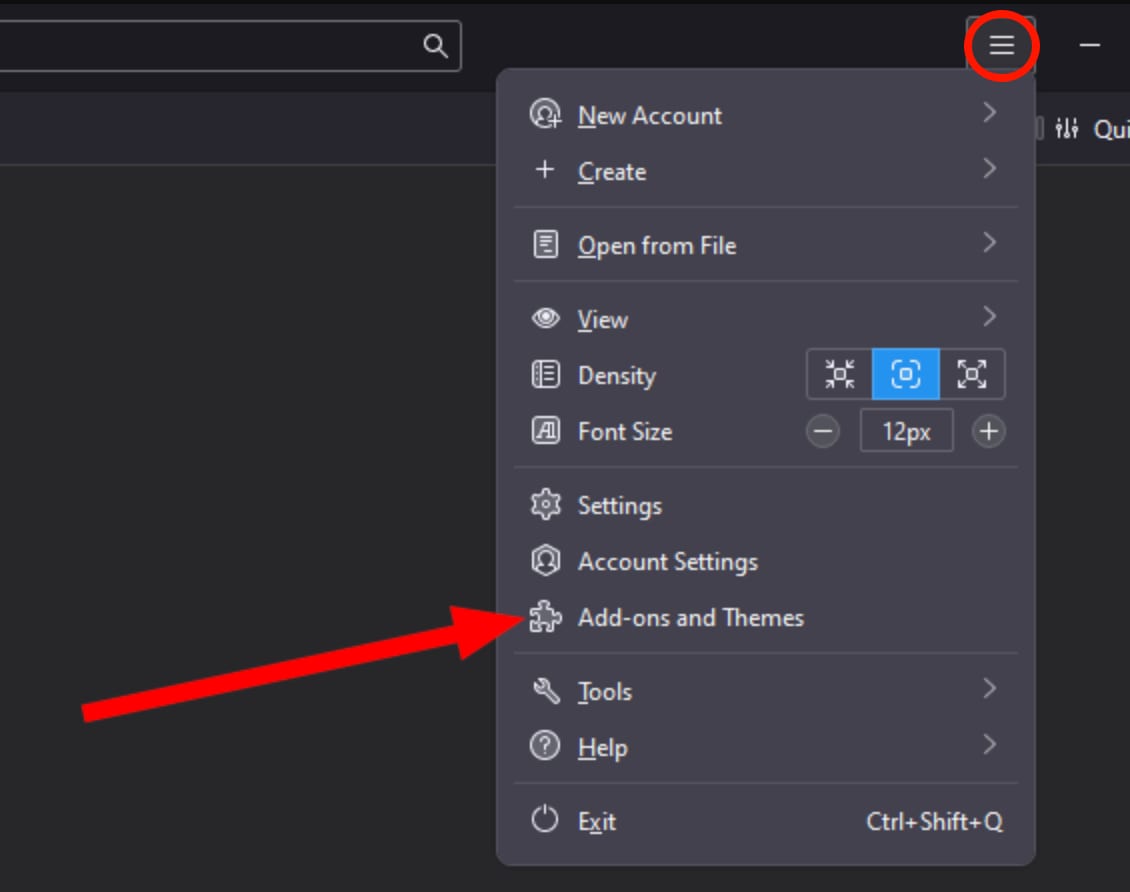
在 Thunderbird 中,点击右上角的 三横杠 ≡ 并从菜单中选择 Add-ons and Themes:
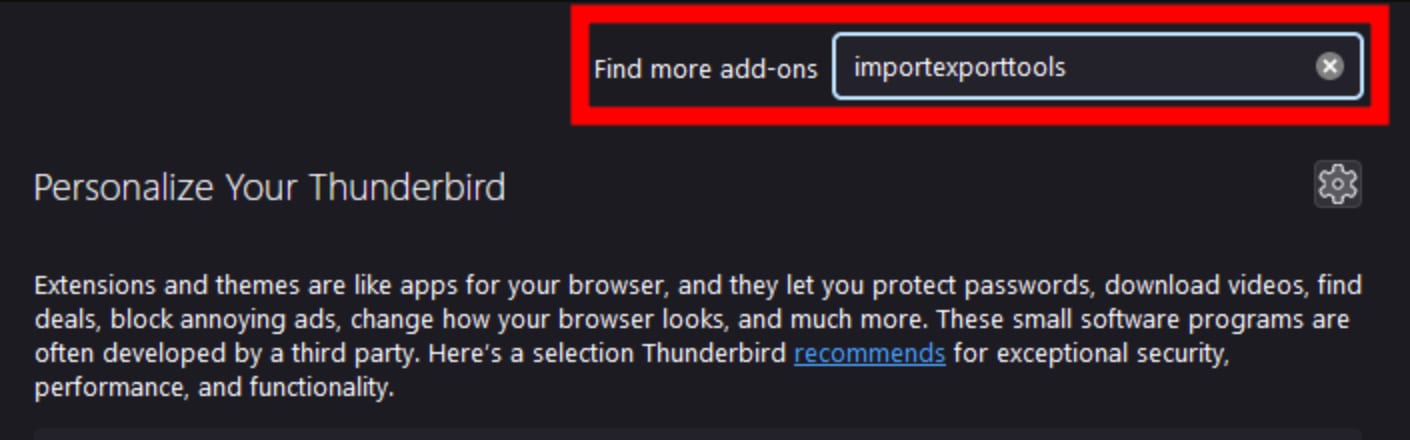
搜索扩展 ImportExportTools NG:
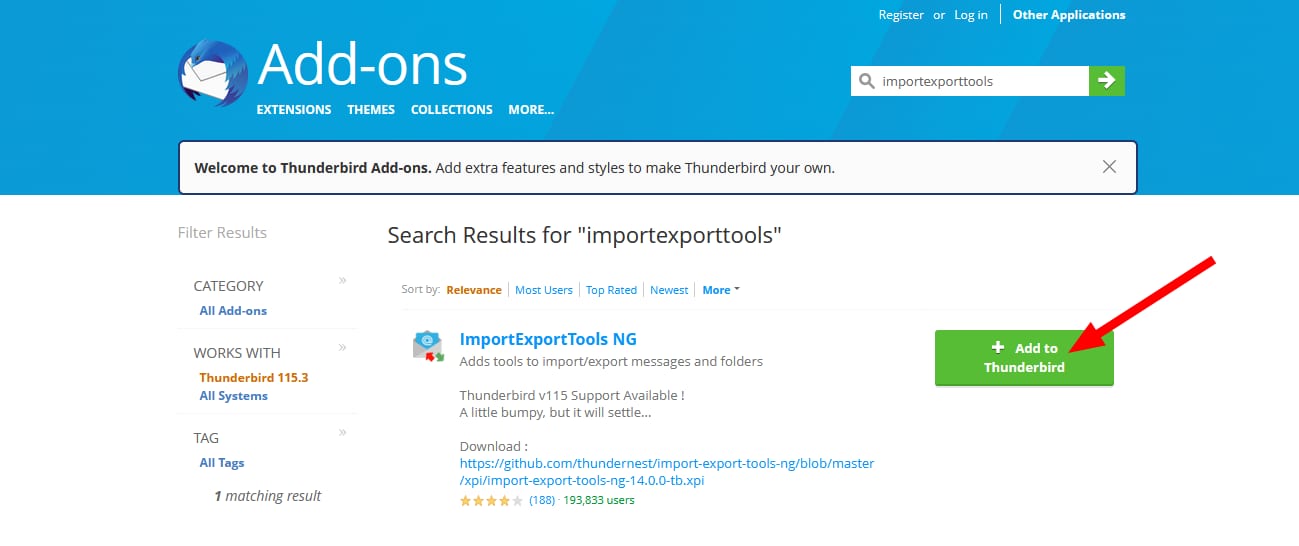
点击 Add to Thunderbird:
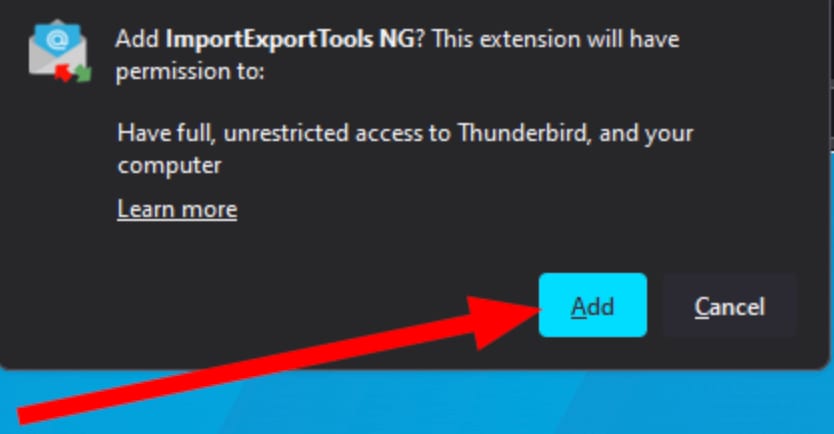
最后,确认添加:
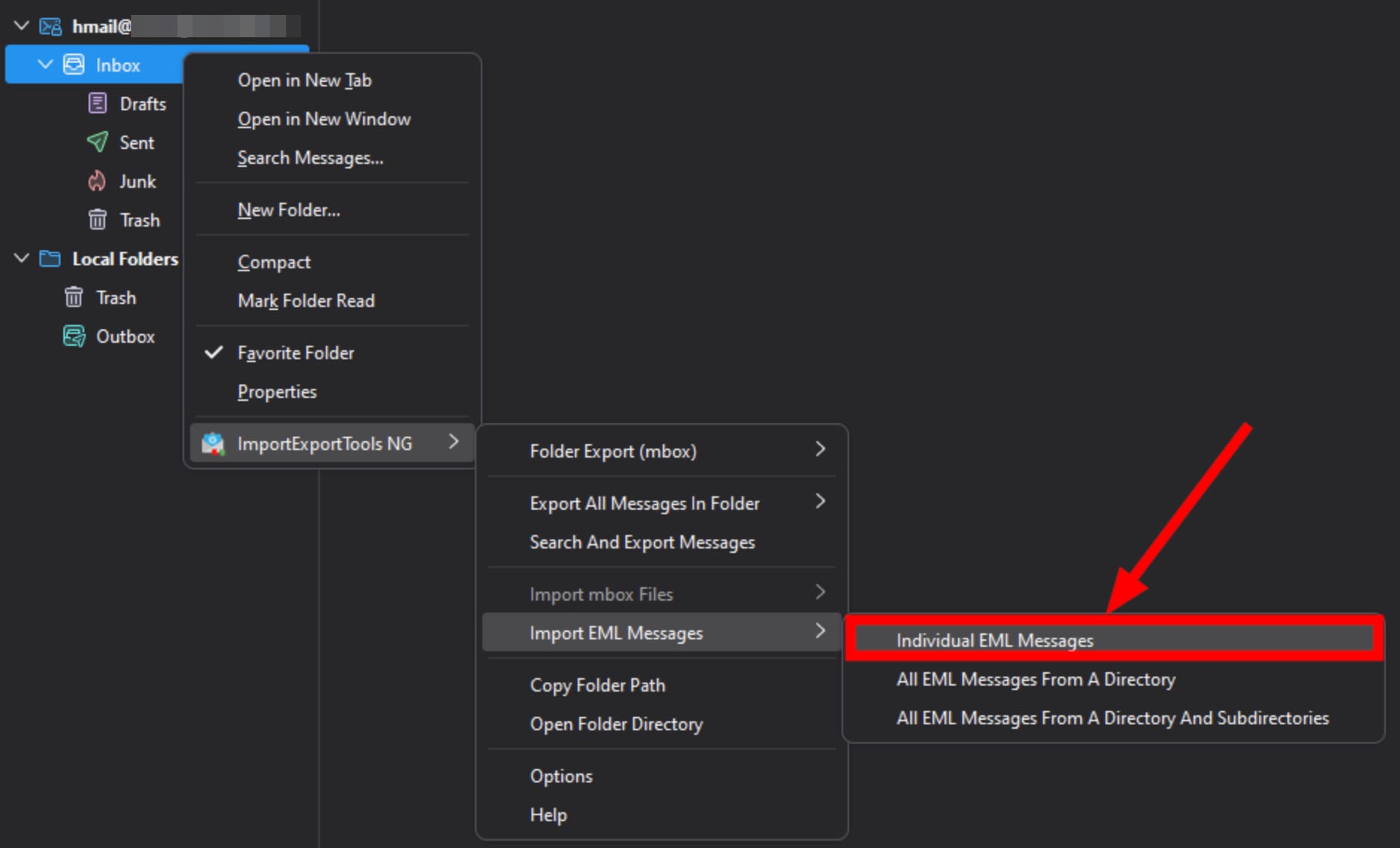
第 2 步 – 开始导入过程
Thunderbird ImportExportTools NG menu highlighting Individual EML Messages import option
cPanel backup folder list with homedir folder highlightedcPanel mail folder highlighted in file managerWindows File Explorer folder domainname.com highlighted in cPanel backup mail folders listWindows File Explorer showing the highlighted contato folderWindows File Explorer showing cPanel mail folders, with the cur folder highlighted in red
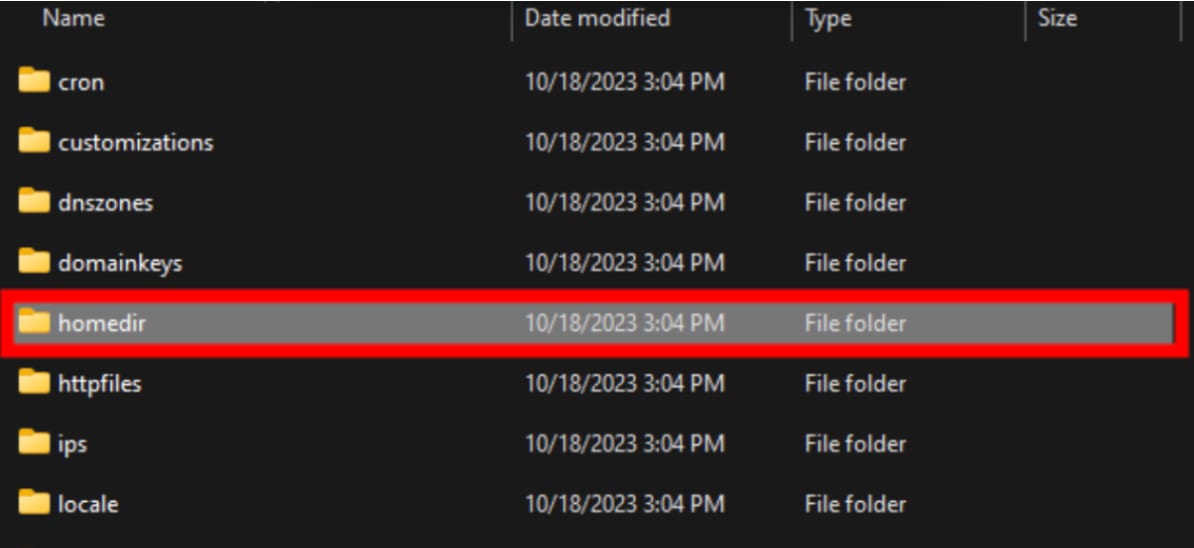
现在,在完整备份中定位邮件备份文件夹。首先打开 homedir 文件夹:
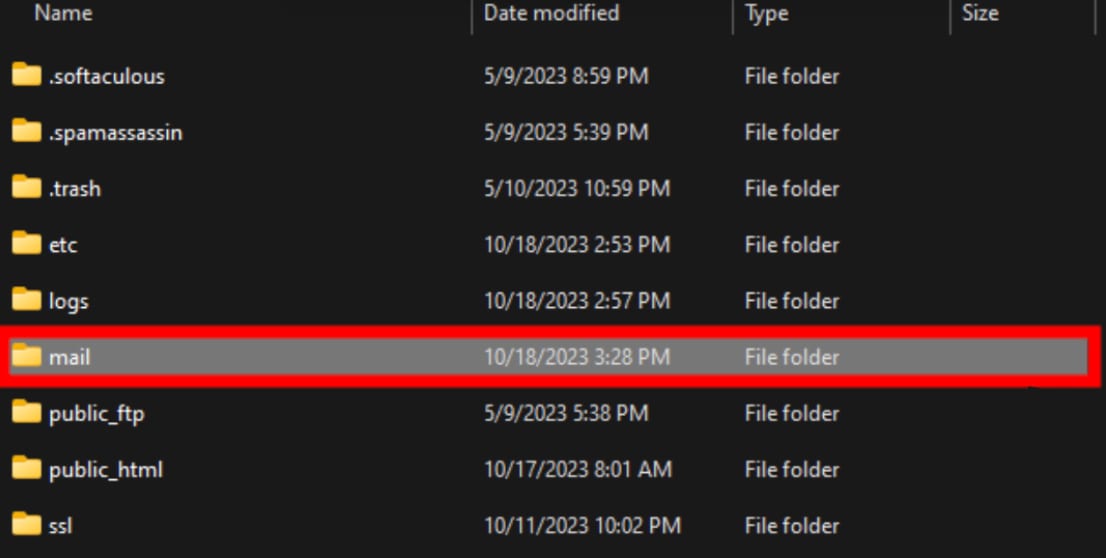
然后打开 mail 文件夹:
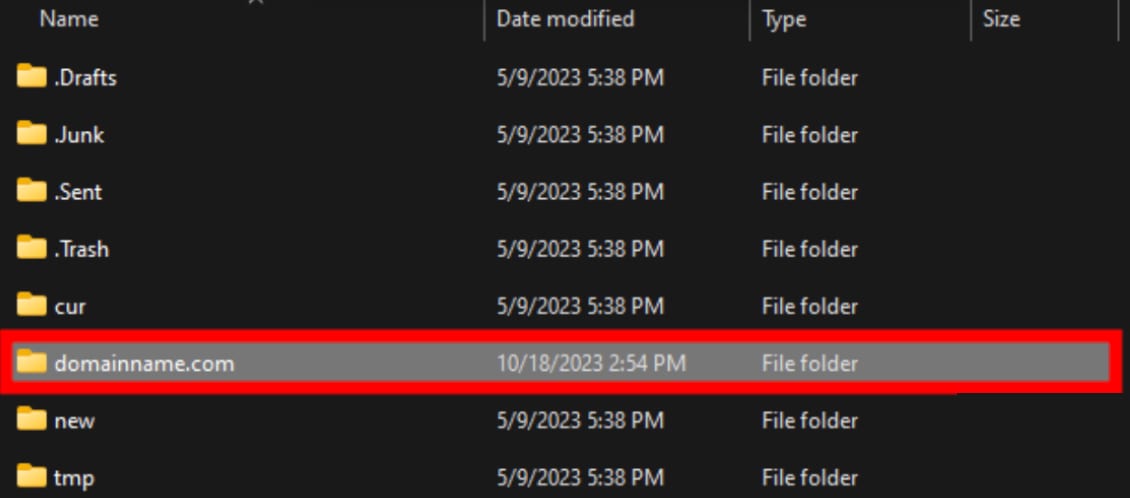
选择带有相关备份域名的文件夹:
选择要导入的邮箱名称:
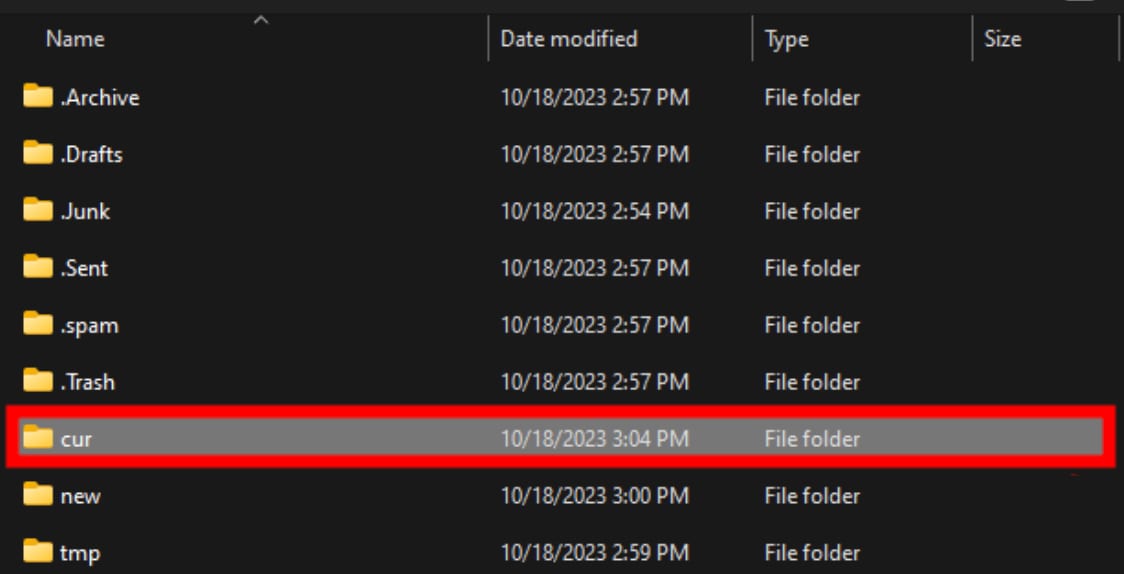
最后,进入该邮箱的 cur 文件夹:
第 4 步 – 完成导入过程
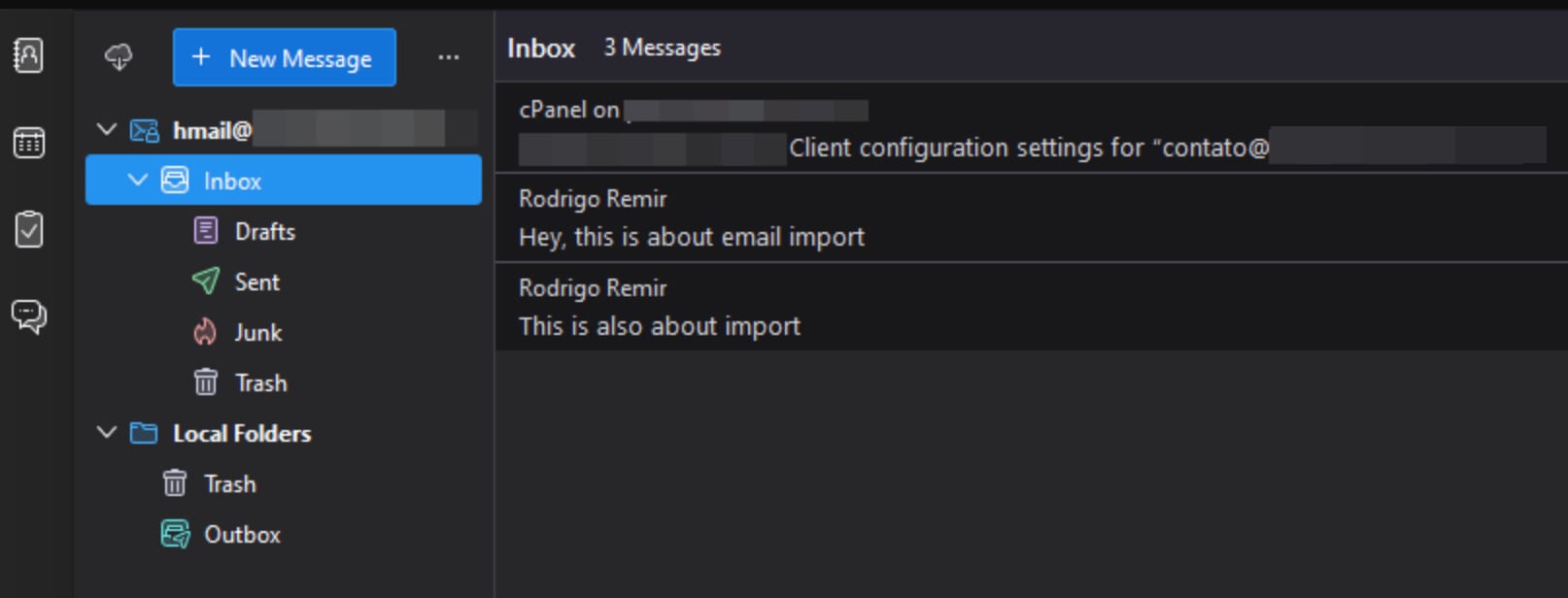
Thunderbird file type dropdown set to Email files, with All files as another optionThunderbird file picker with the Open button highlighted for importing a backup fileThunderbird inbox with Inbox folder selected and email import messages listed
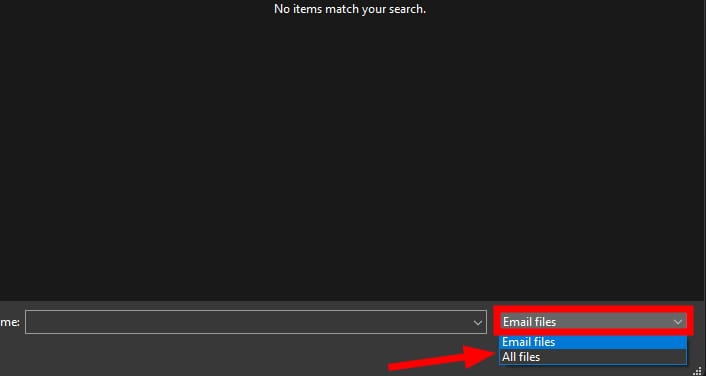
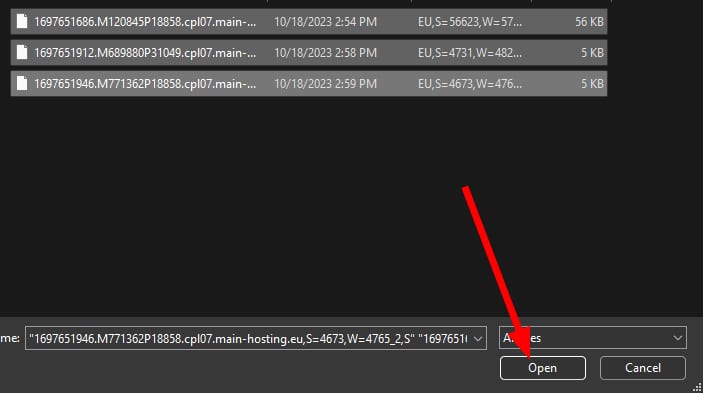
cur 文件夹为空。要查看其中的文件,请在此处选择 All files(而非 Emails files):