除 Single 和 WordPress Single 外的所有套餐均支持 SSH 访问。若你的套餐为 Premium、WordPress Starter 或更高版本,可按以下步骤通过 SSH 连接。
步骤 1 – 准备
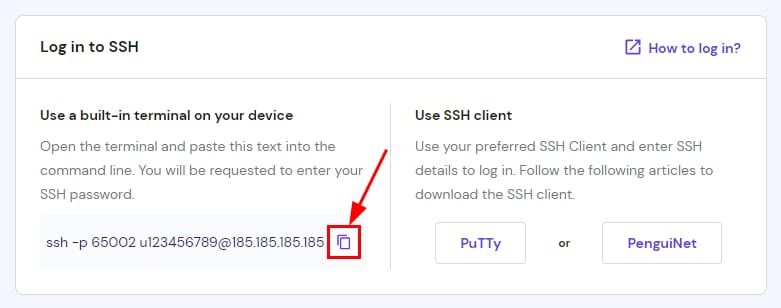
首先启用 SSH 访问(在 hPanel 的 SSH Access 页面),然后复制 SSH 命令。
步骤 2 – 应用程序
- Linux:使用 Terminal。
- macOS:使用 Terminal。
- Windows:可使用任意 SSH 客户端,推荐 PuTTY、PenguiNet 或通过 PowerShell。
步骤 3 – 连接
在 Terminal 中粘贴复制的命令;PuTTY 按教程填入参数。会出现如下提示:
The authenticity of host ... can't be established.
Are you sure you want to continue connecting (yes/no)?
输入 yes 即可。随后输入密码(不会显示,但仍会输入)。SSH 密码与主域名 FTP 密码相同。
输入密码并回车后,出现 -bash-4.2$ 表示成功登录。
注意:若终端在输入密码后立即关闭,请禁用再重新启用 SSH 访问后重试。
来源:Hostinger 官方帮助文档