你可以借助我们的 Softaculous Apps Installer 轻松自动安装应用。该功能允许你在 cPanel 账户上自动安装任意可用的 CMS,例如 WordPress、Joomla、Drupal 以及许多其他程序 😊

第 1 步 – 打开 Softaculous Apps Installer
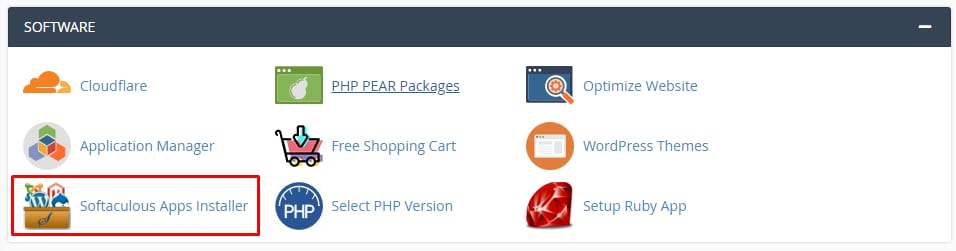
cPanel Software section with Softaculous Apps Installer highlighted
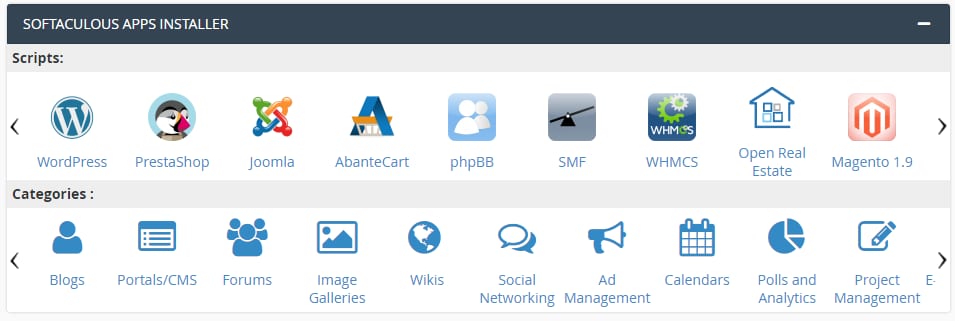
Softaculous Apps Installer in cPanel with scripts and category icons displayed

自动安装应用非常简单:打开你的 cPanel 账户并点击 Softaculous Apps Installer 板块:

或者,你也可以向下滚动到面板底部,会看到一列 最热门的应用,选择最适合你的那一个:

第 2 步 – 选择要安装的应用
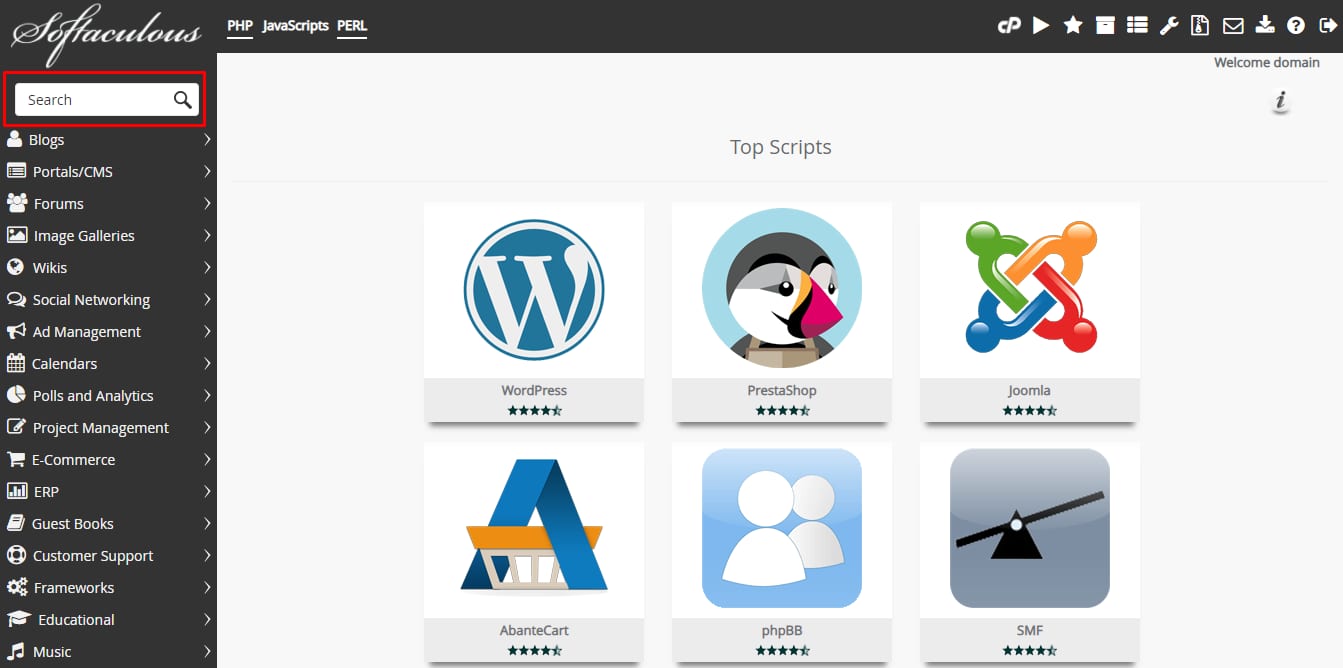
Softaculous cPanel search box highlighted for finding apps to install automatically
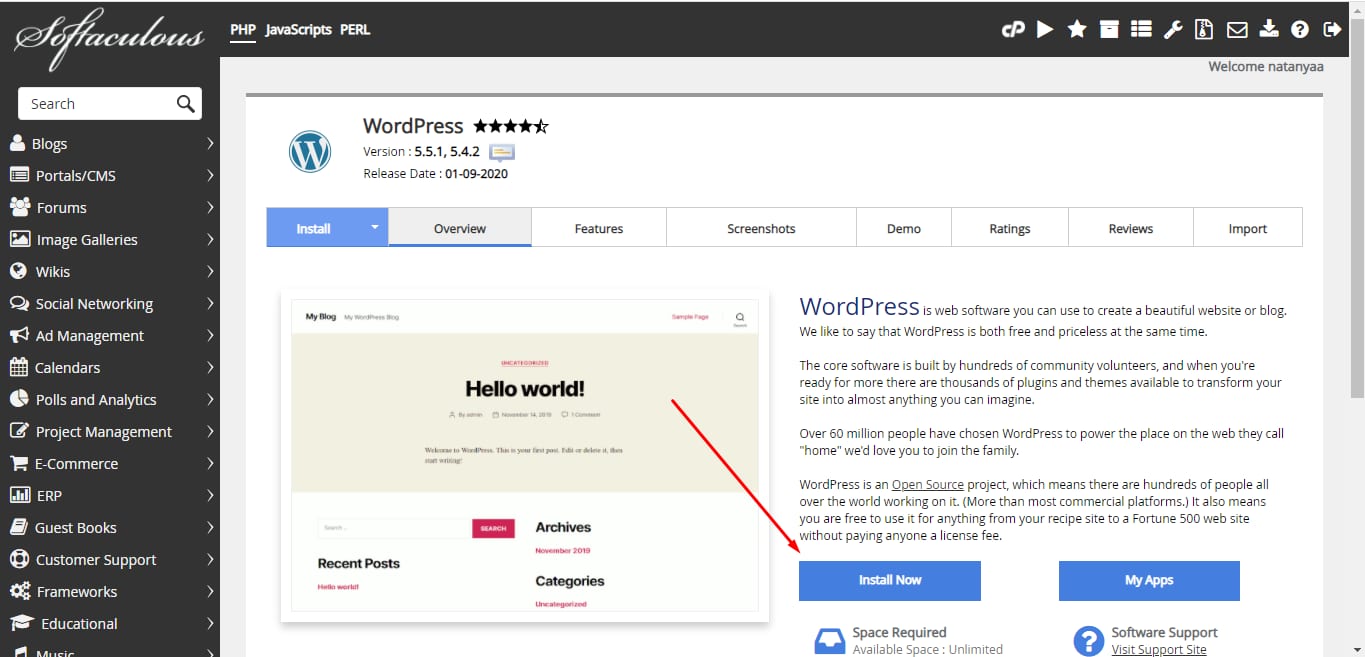
Softaculous WordPress page with the Install Now button highlighted

进入 Softaculous 后,你可以通过不同分类选择各种应用,也可以在 Search 板块中找到你想要的应用:

选择应用后,点击 Install now

第 3 步 – 填写安装信息

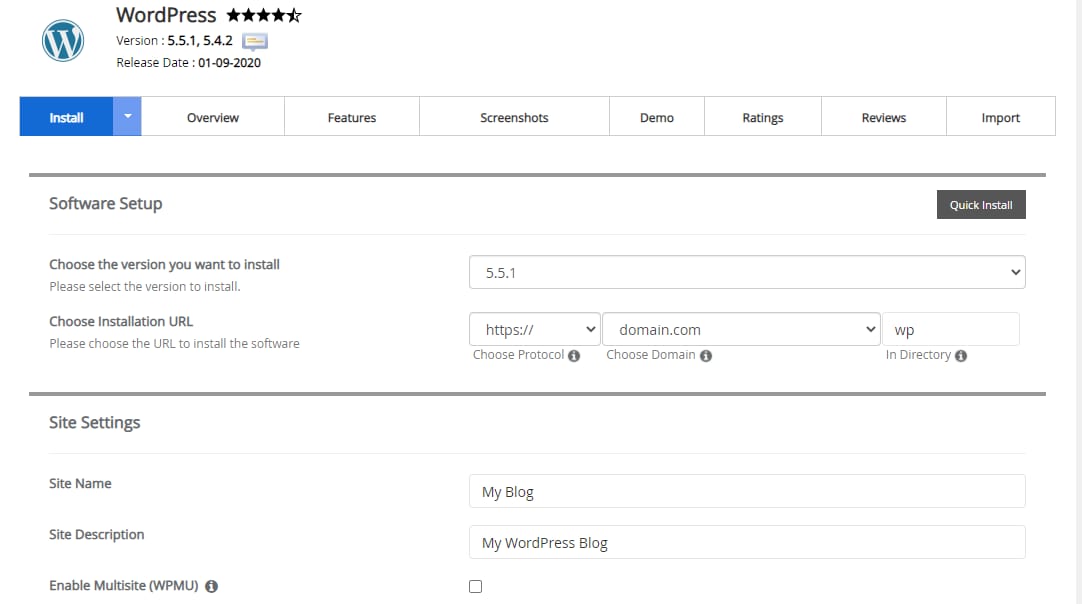
WordPress install tab with Quick Install button and setup fields for version, URL, and site settings
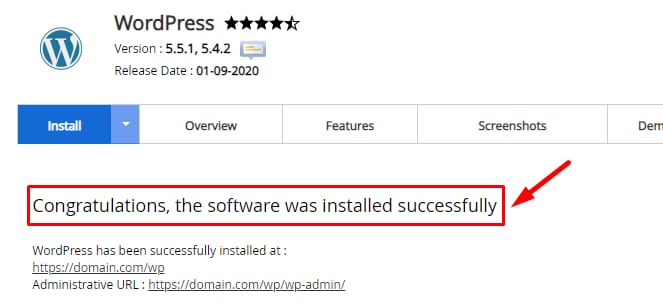
cPanel WordPress installer showing successful installation message

填写所有必填 信息

填写完所需信息与详细内容后,点击页面底部的 Install。Softaculous 会替你完成其余工作!安装完成后你会看到成功提示:

应用所需的数据库也会自动创建。

注意事项:

  • 如果你没有看到心仪的应用,且确定 Softaculous 支持它 – 请联系 我们的客户成功团队,我们会为你提供帮助 😊
  • 如何制作网站?

来源:Hostinger 官方帮助文档