以下信息适用于您的整个 Hostinger 个人资料。您也可以查看特定托管计划的活动日志 💡

要查看谁登录了您的 Hostinger 账户,请前往您的 hPanel,点击右上角的个人资料图标,选择 Account Activity(账户活动)

在那里,您可以看到以往登录的相关信息,包括日期和时间、设备、位置、IP 以及登录方式:

如果您发现某些登录记录不认识怎么办?
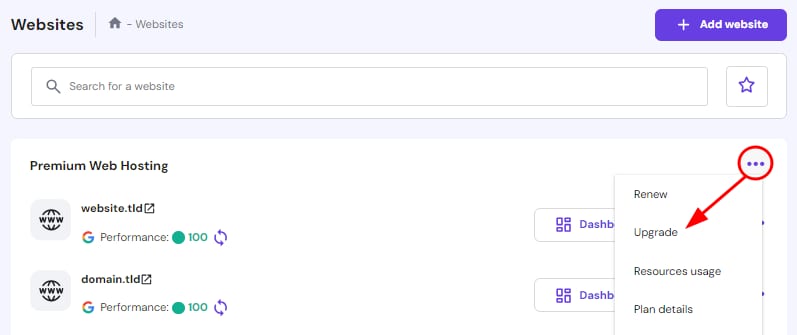
Premium Web Hosting menu with the Upgrade option highlighted
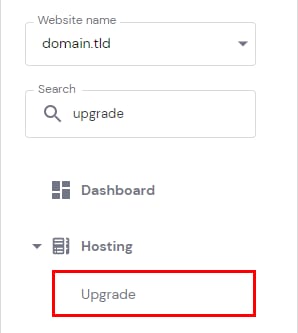
Hosting menu with the Upgrade option highlighted underneath Hostinger dashboard
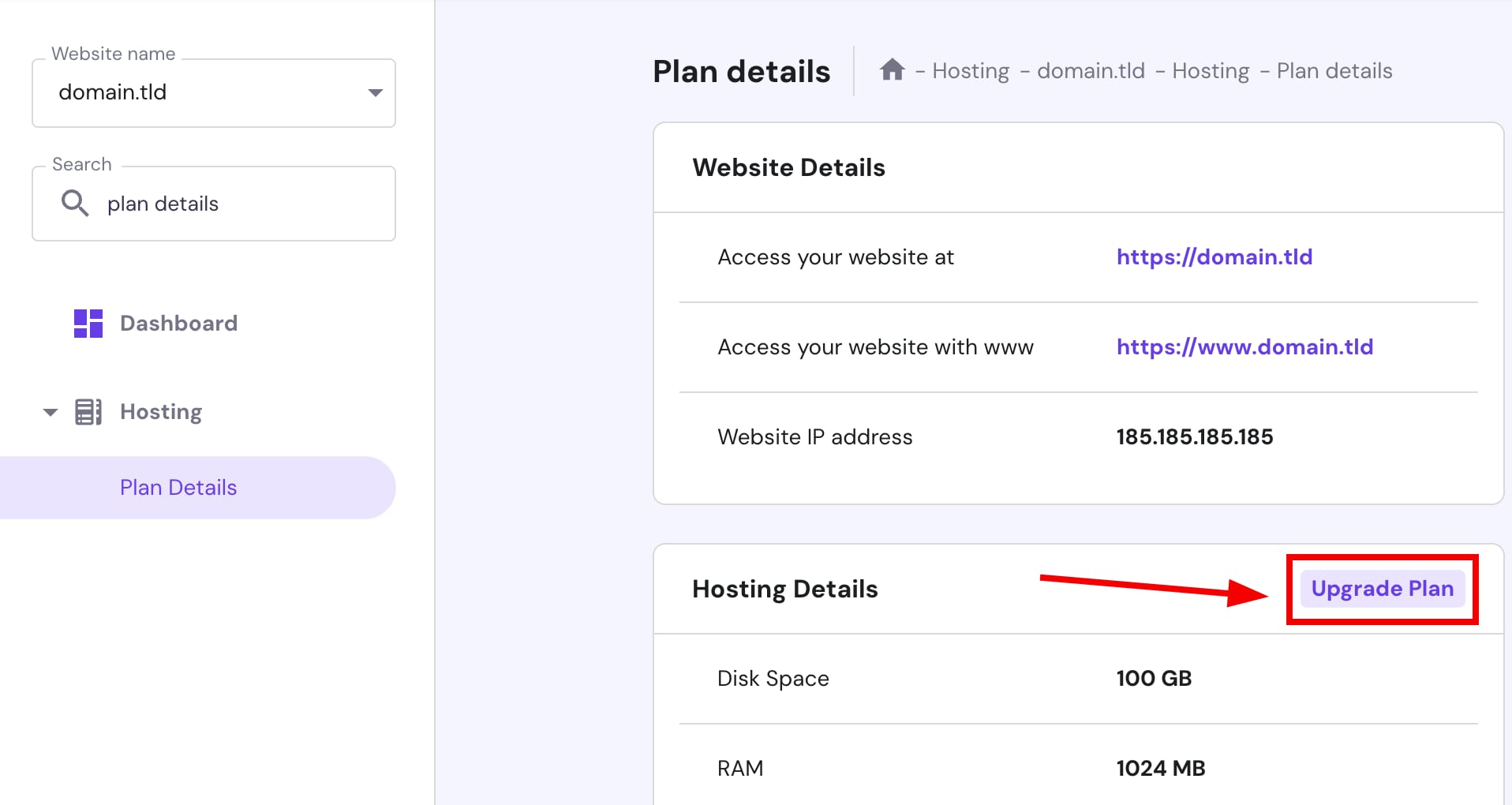
Hosting plan details with Upgrade Plan button highlighted

如果某些以往的登录记录看起来不熟悉,或者您怀疑有人已获取了您账户的访问权限,您可以随时注销所有设备,并在几次点击内更改密码。点击页面顶部的 Don't recognize a device?(不认识该设备?) 按钮:

了解更多:如果您的账户或网站被黑了该怎么办? 💡
来源:Hostinger 官方帮助文档