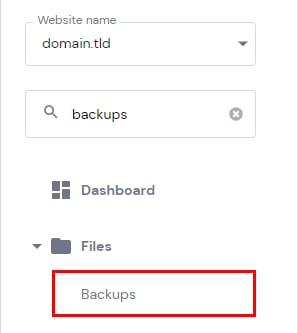
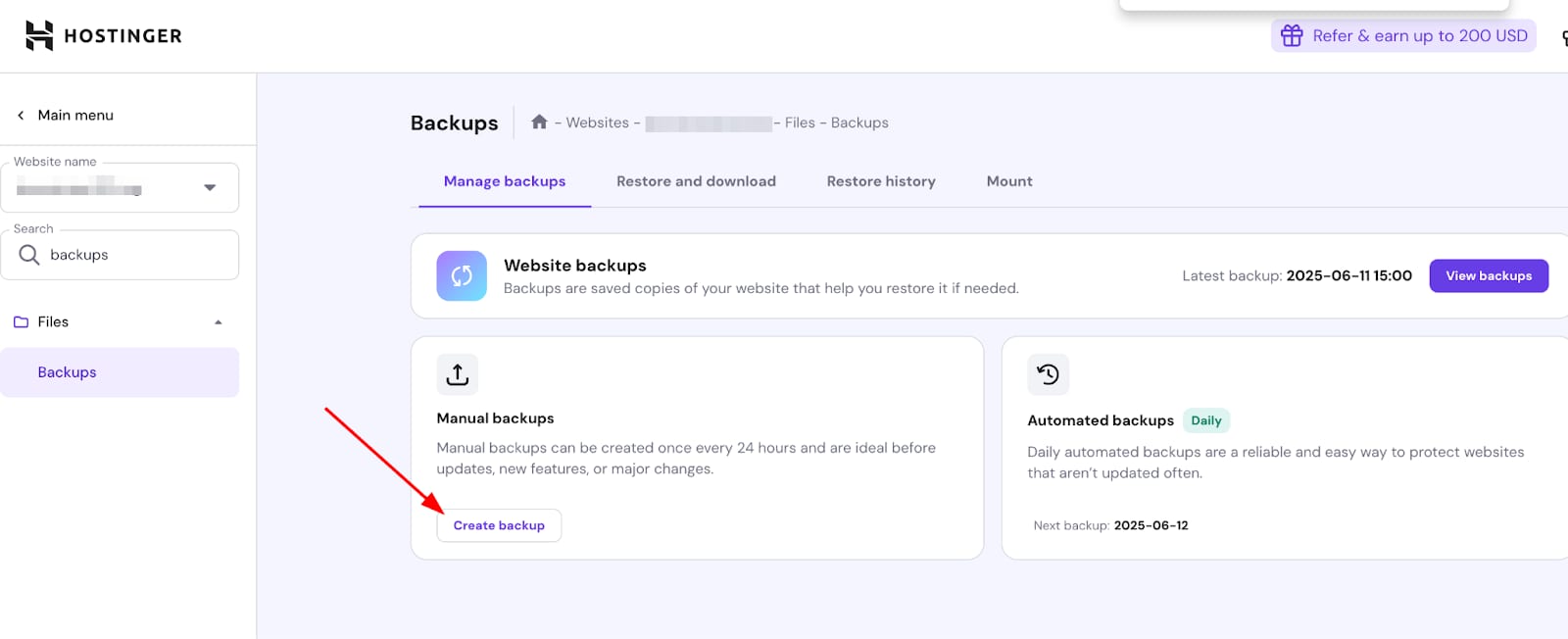
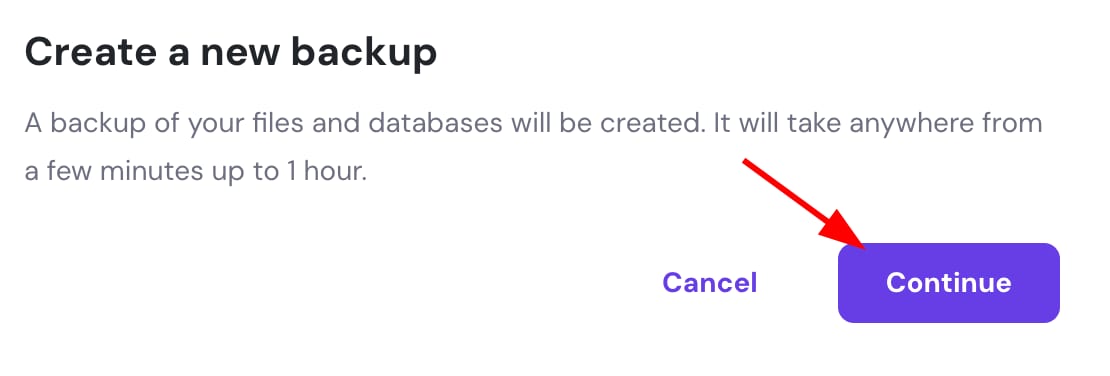
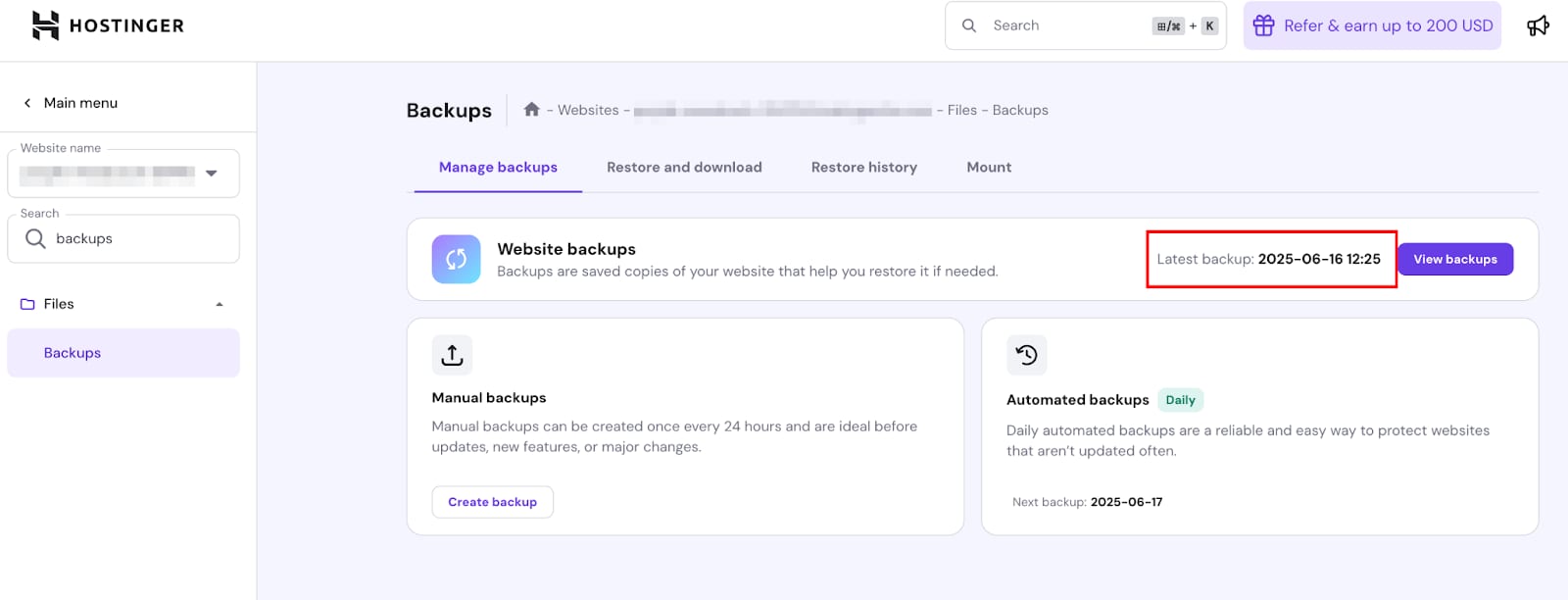
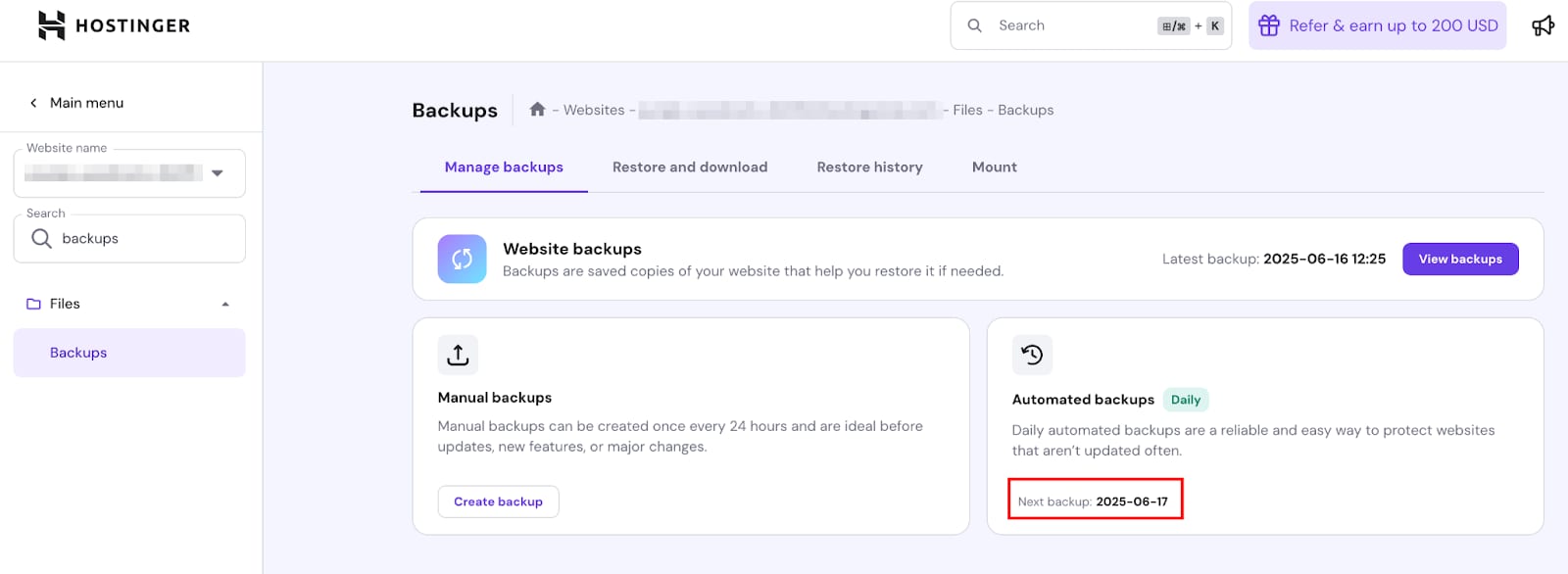
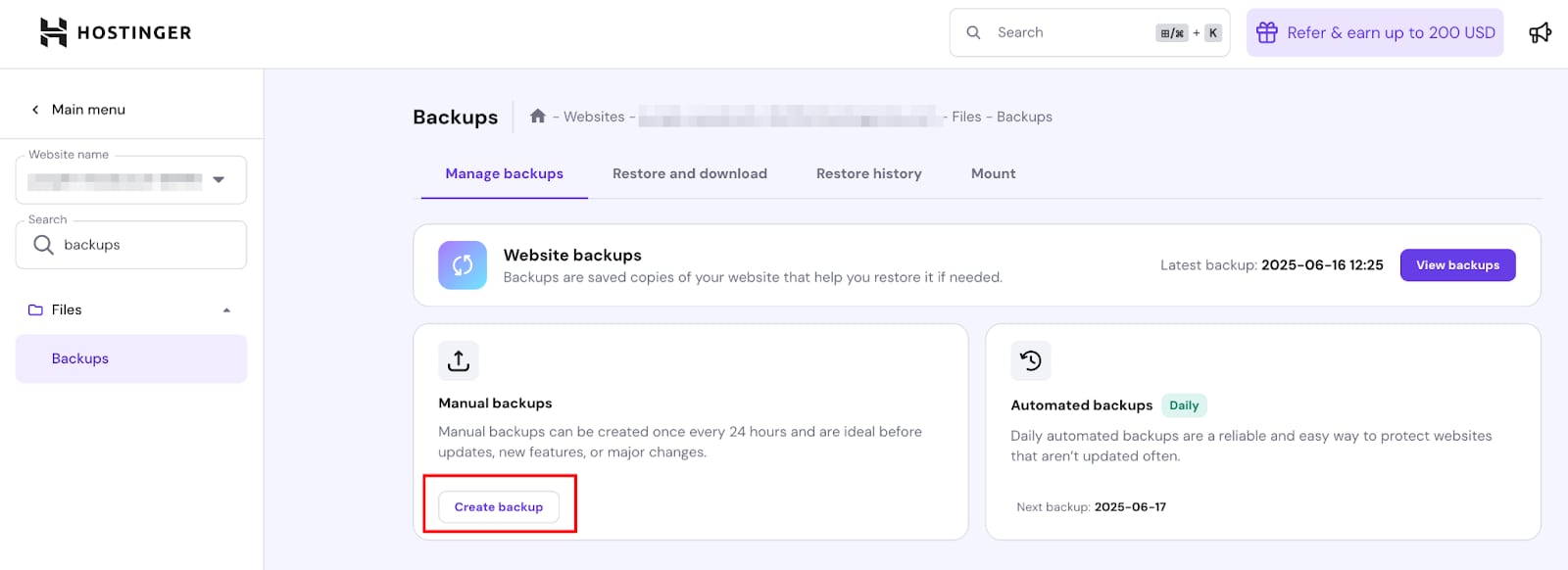
Hostinger hPanel sidebar with the Backups menu item highlighted under FilesHostinger backups page with Create backup button highlighted in Manual backups sectionCreate new backup dialog with Continue button highlightedHostinger backups page showing latest backup date and time highlighted in the Website backups panelHostinger website backups page showing the next automated backup date highlighted in the automated backups cardHostinger website backups page with the Create backup button highlighted
若你的网站由 Hostinger 建站工具创建,请参考《建站工具:如何创建与恢复网站备份》。
在 Hostinger,若你的套餐为 Business 或更高版本,可使用备份工具手动创建主机套餐上所有文件和数据库的备份。