如何启用欢迎邮件自动化

Validation checks panel with highlighted Validate requirements option and Continue button below
PostHog signup form with email, password fields, and highlighted Continue button
PostHog dashboard with “Go to wizard” button highlighted in the onboarding notice
Posthog VPS overview with the Manage App button highlighted
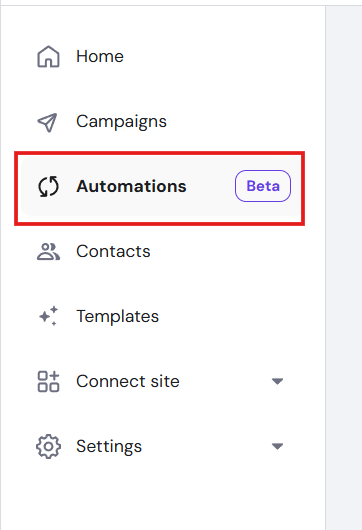
  1. 打开侧边栏并选择 Automations(自动化) 标签页。
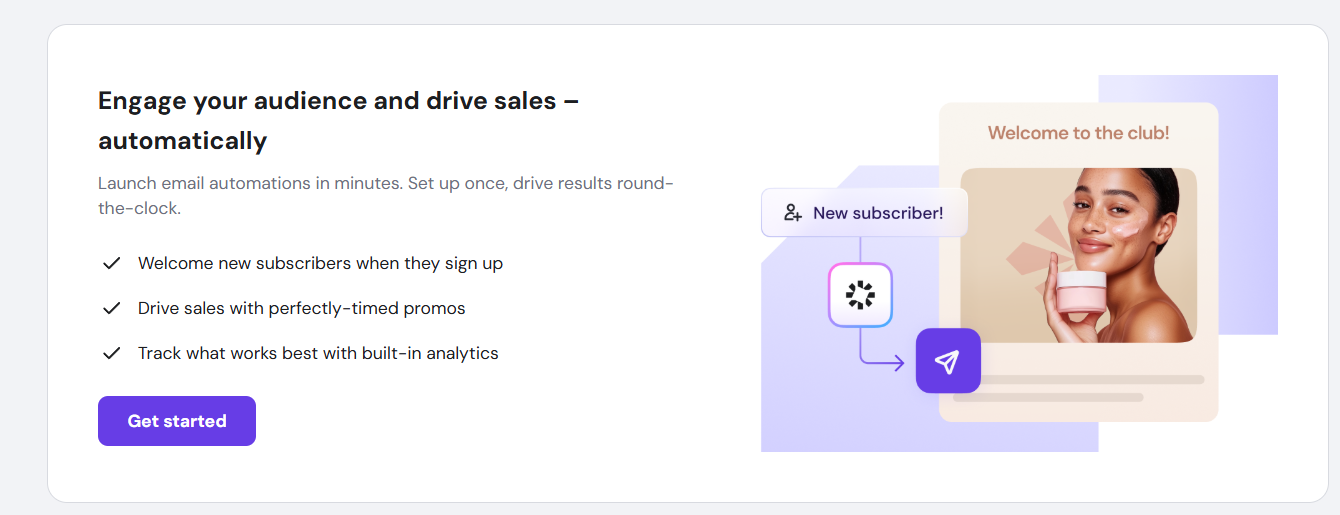
  2. 点击 Get Started(开始使用)
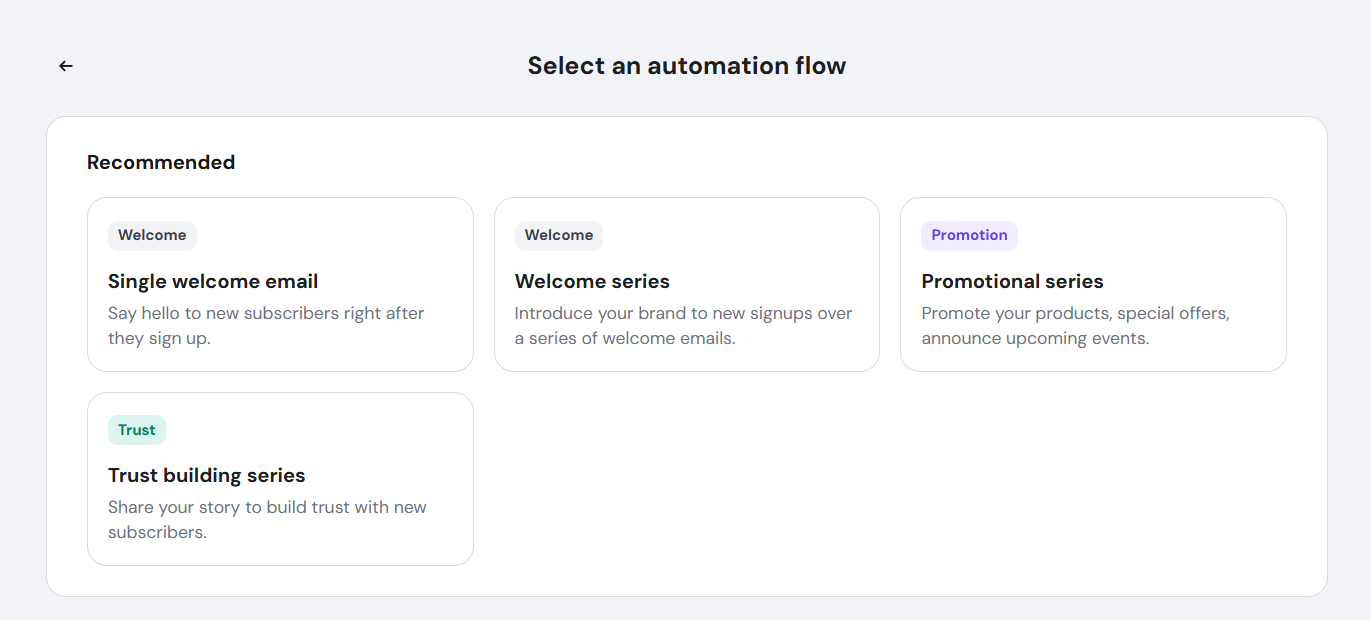
  3. 选择一个自动化流程。
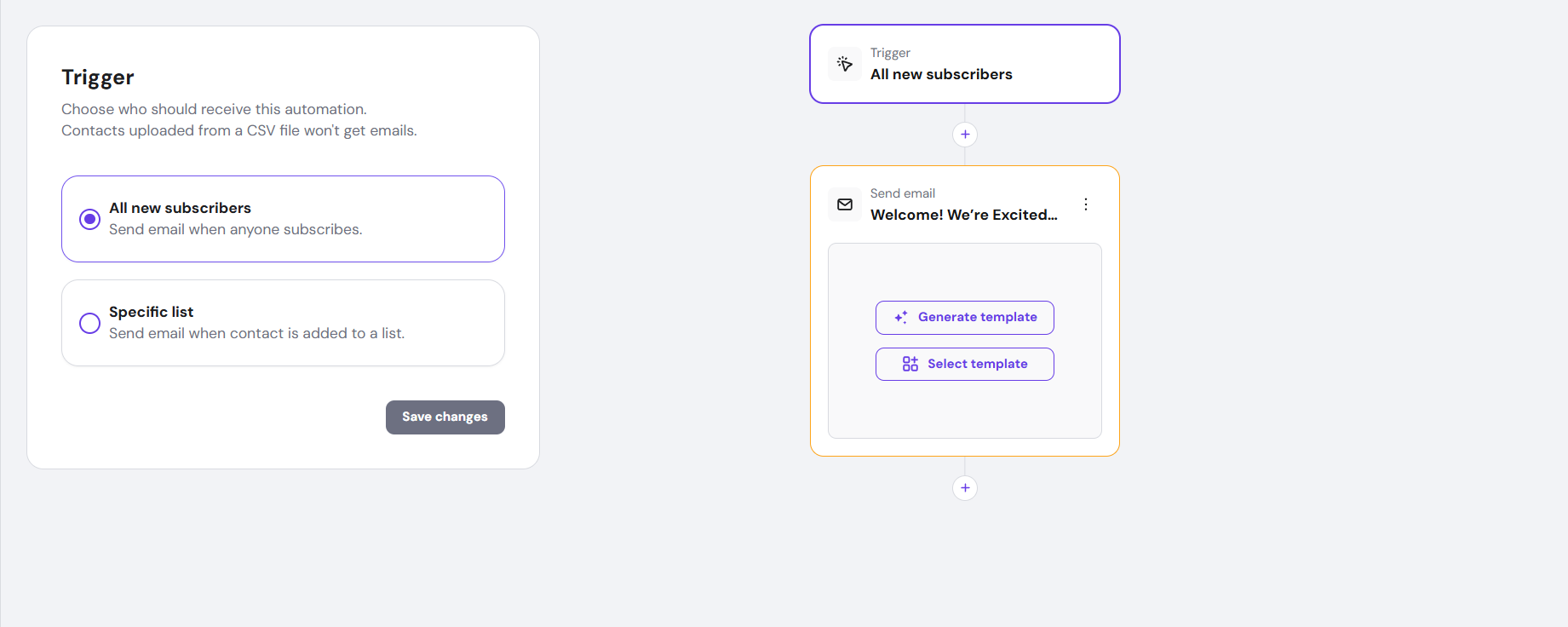
  4. 开始自定义你的自动化。

通过启用欢迎邮件自动化,你创建了一种可靠且一致的方式,在订阅者注册后立即与其建立联系。这消除了耗时的手动发送需求,减少了错失的机会,并有助于建立更强的长期参与度和留存率。

Welcome Email Automation(欢迎邮件自动化) 功能允许你自动向每位新订阅者发送一封预先配置好的欢迎邮件。这有助于你建立信任并在无需手动操作的情况下实现早期互动。

借助一个即用模板,激活过程快捷且只需最少设置。同时,你仍然可以使用必要的自定义、排期以及效果跟踪选项。这确保每位新订阅者都能及时、一致地收到欢迎消息,从第一次互动开始就有助于提升参与度。

来源:Hostinger 官方帮助文档