在 Hostinger VPS 上开始使用 EasyPanel。
Easypanel 是一个用户友好的控制面板,可简化服务器管理。
借助其直观的界面,你可以轻松安装应用、配置域名、管理邮件账户、数据库并监控服务器性能。它提供文件管理器、DNS 设置和 SSL 证书管理等实用功能,为初学者和有经验的用户 alike 提供无缝体验。专注于你的网站或应用,而将技术细节交给 Easypanel。
在 Hostinger,我们提供预装了 Easypanel 的 Ubuntu 24.04 VPS 模板。
要开始使用 Easypanel,请 安装模板 并遵循以下步骤 👇
- 一旦你的 VPS 运行 Easypanel,你可以使用以下 URL 访问控制面板:http://your_vps_ip:3000
请务必将 your_vps_ip 替换为实际的 你服务器的 IP 地址 💡
-
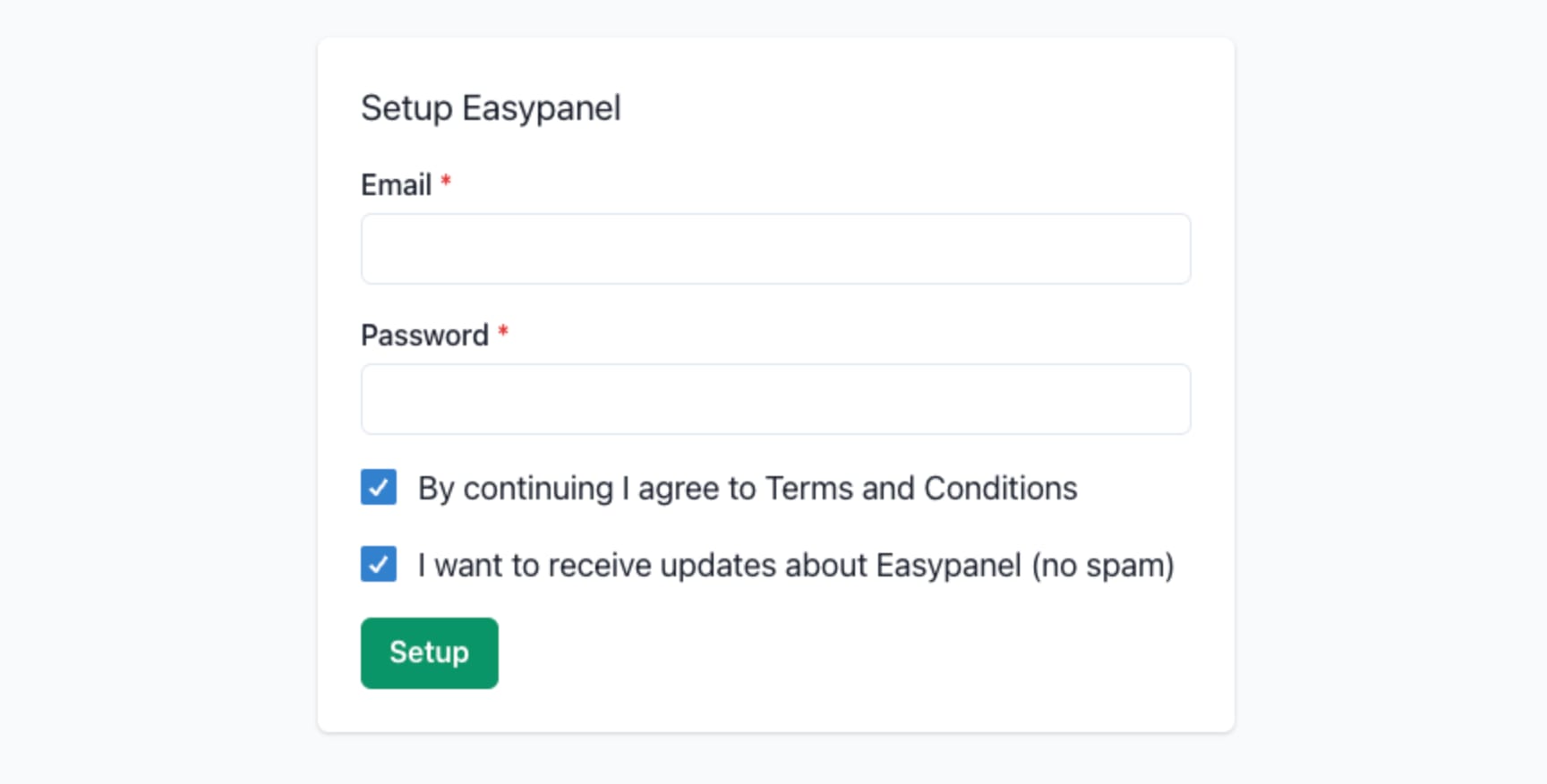
首次访问时,系统会要求你创建一个账户:
-
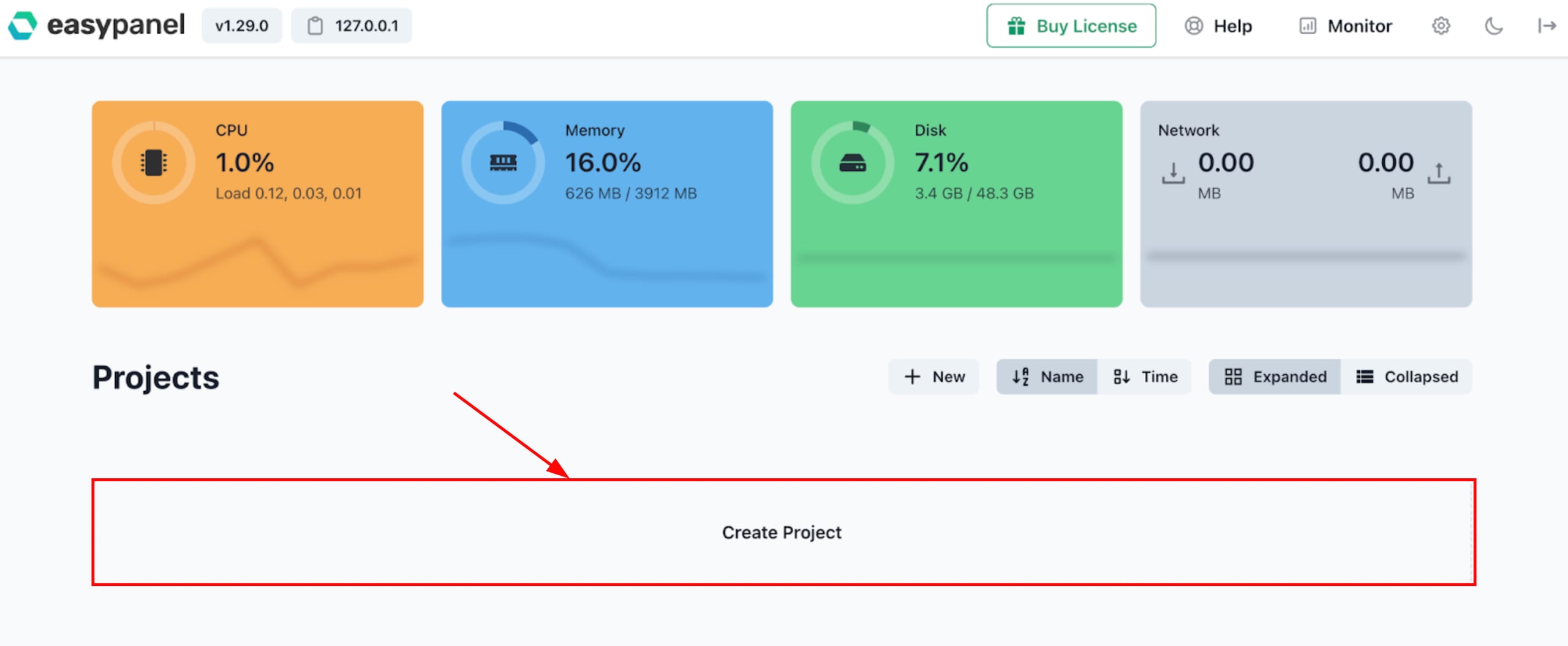
创建账户后,你将自动登录。现在,你可以设置你的第一个项目:
-
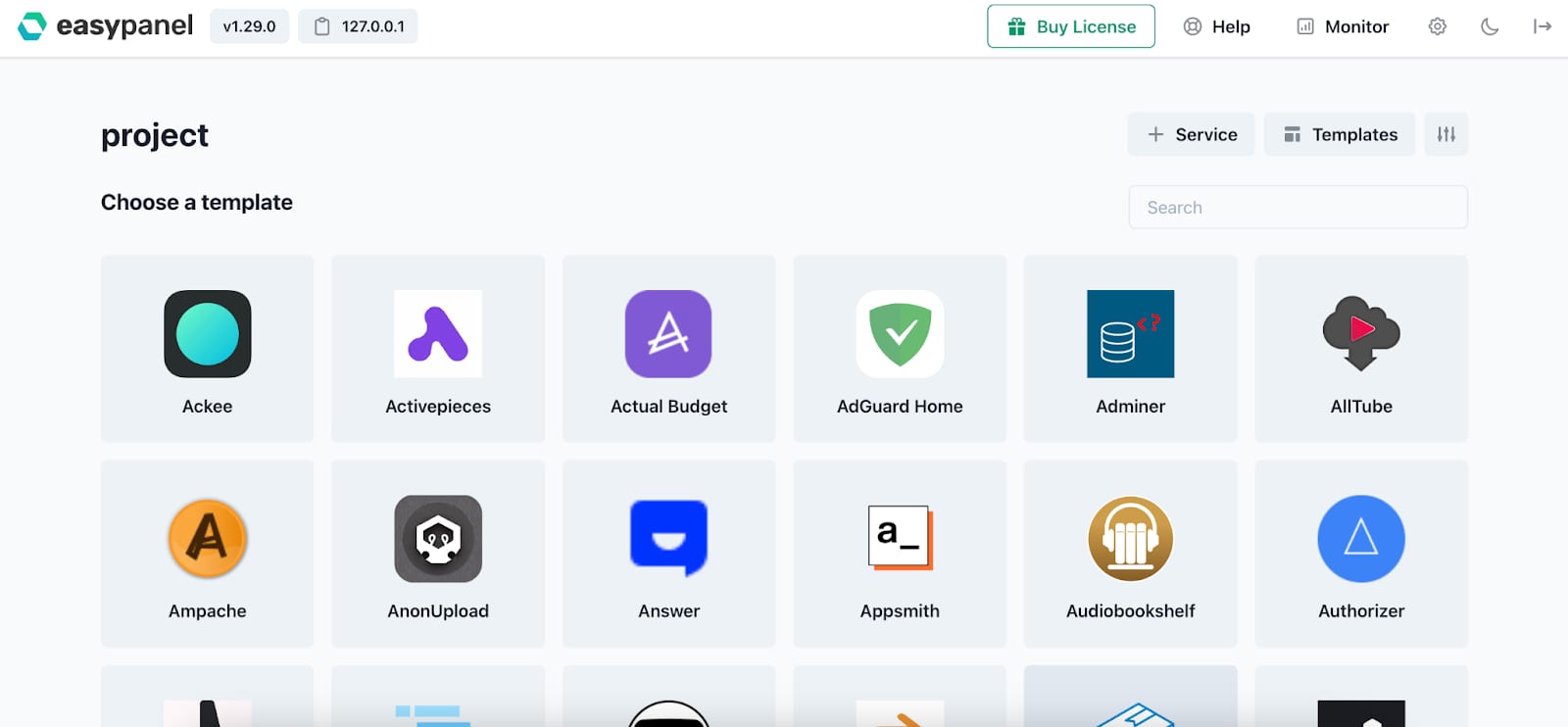
在项目中,你可以手动或使用 Easypanel 提供的模板之一来添加服务:
请务必探索官方 Easypanel 文档,以了解更多关于该平台的信息 🚀
来源:Hostinger 官方帮助文档