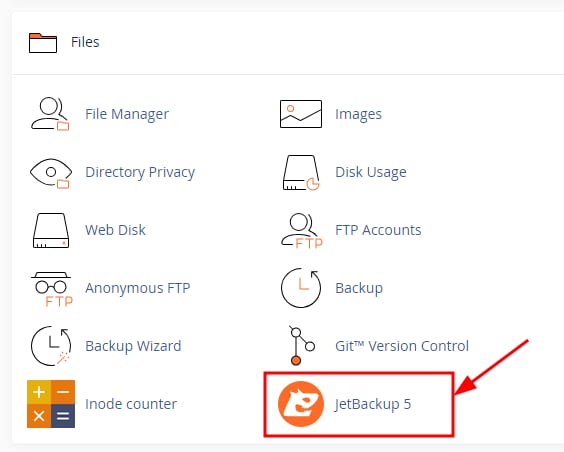
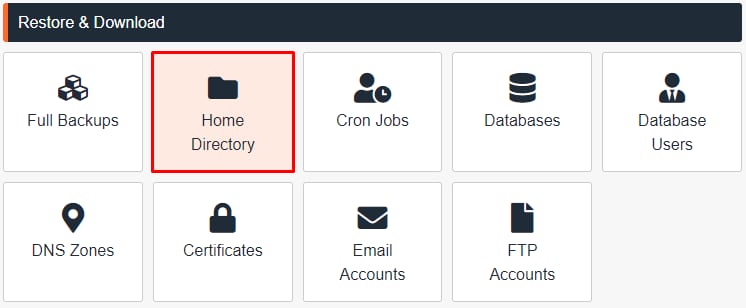
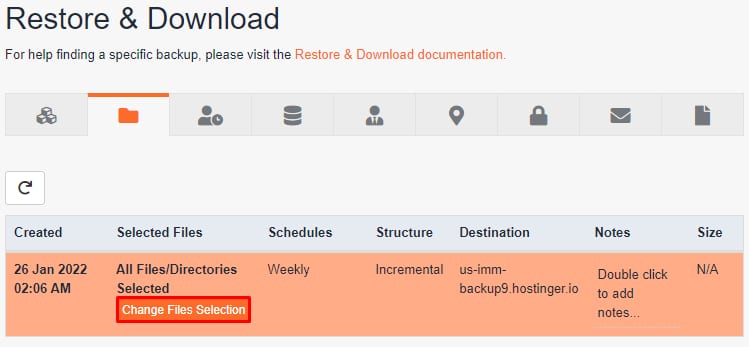
cPanel Files section with JetBackup 5 highlightedcPanel Restore & Download menu with Home Directory highlightedHostinger cPanel Restore & Download page with the Change Files Selection button highlightedcPanel Backup Download button highlighted in orange beside Restore and Clear Selection
登录 cPanel 并选择 JetBackup 5:
接着,选择 Home directory:
从那里,选择你想要下载的备份日期并点击 Change Files Selection:
选择所有要下载的文件并点击 Download:
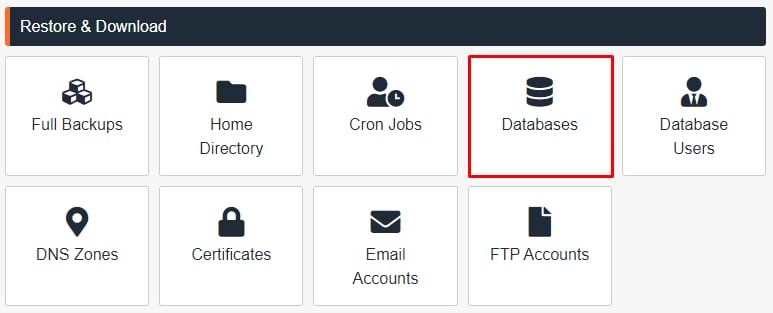
第 2 步 – 下载你的数据库
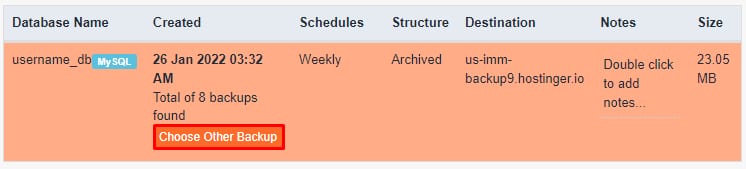
cPanel Restore & Download menu with Databases option highlightedcPanel backup list with the Choose Other Backup button highlightedcPanel backup toolbar with the Download button highlighted