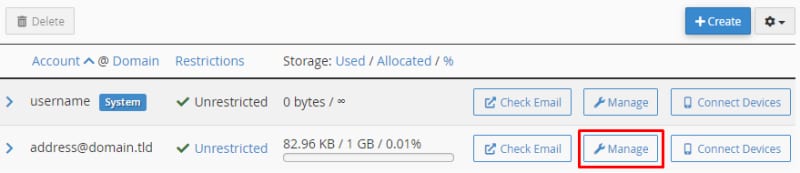
cPanel email accounts list with the Manage button highlighted
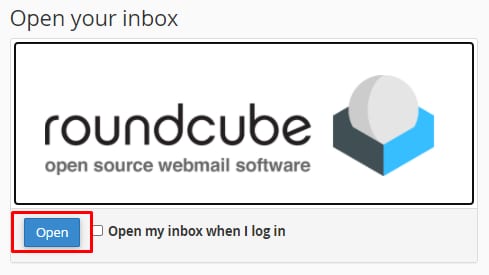
Roundcube webmail login screen with the Open button highlighted
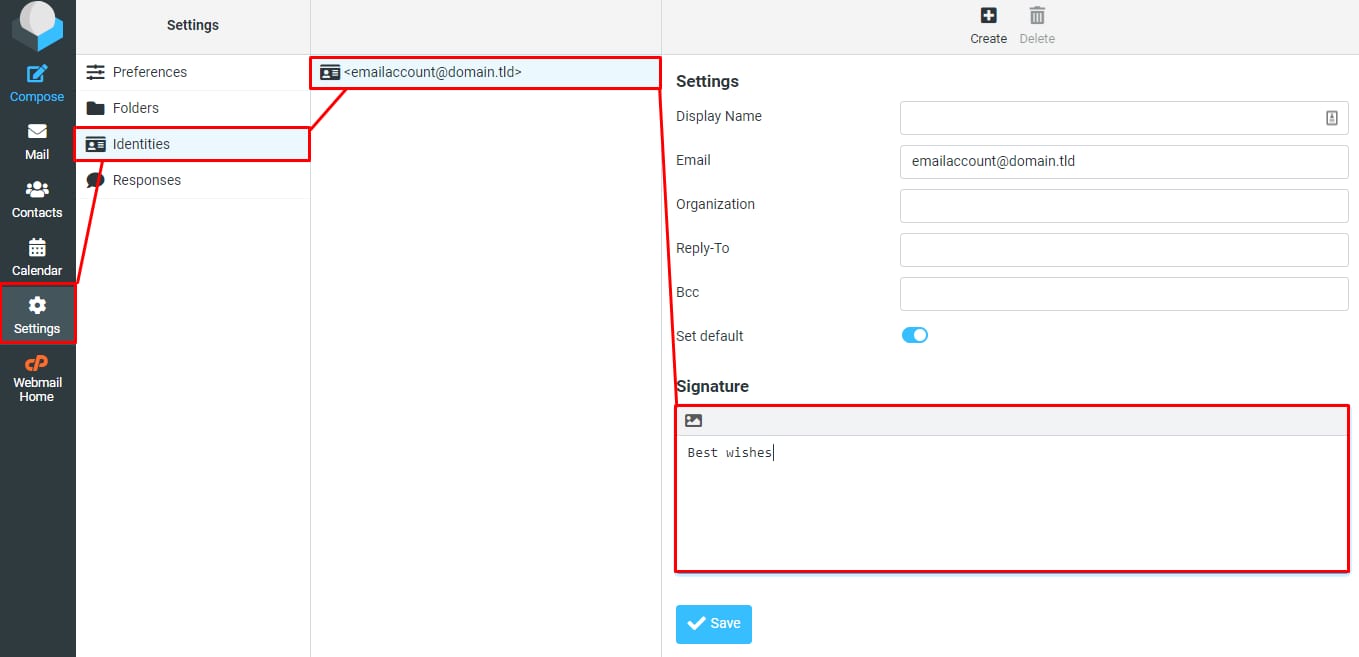
cPanel webmail settings with the Signature field highlighted for email account identity
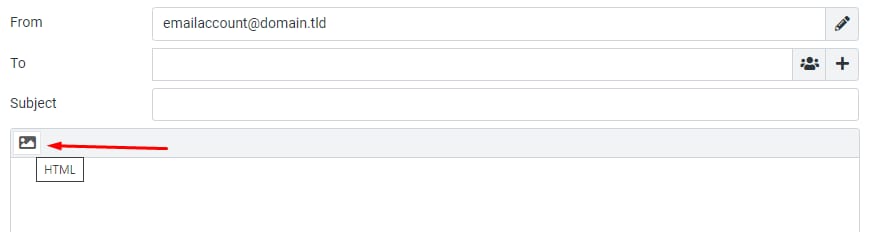
cPanel email composer with the HTML button highlighted near the message editor
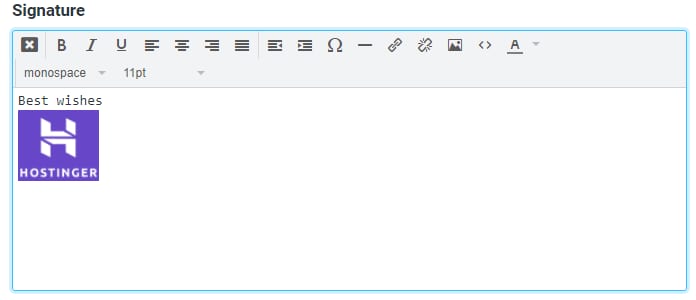
Hostinger email signature editor with “Best Wishes” text and Hostinger logo inserted
在 cPanel 上创建邮件签名

你可以通过 Roundcube 邮件客户端为 cPanel 邮箱账户创建 邮件签名

进入 cPanel 账户的 Email Accounts 板块,点击邮箱账户旁的 Manage

选择 Check Email,从那里你可以访问 Roundcube

在 Roundcube webmail 界面中,进入 SettingsIdentities 板块,向下滚动找到邮件签名:

以纯文本输入你想要的签名。或者,你可以点击图片图标启用 HTML 签名

现在你可以为签名添加格式化的文本和图片:

确认无误后,点击 Save 将签名应用到所有新发出的邮件。

来源:Hostinger 官方帮助文档