
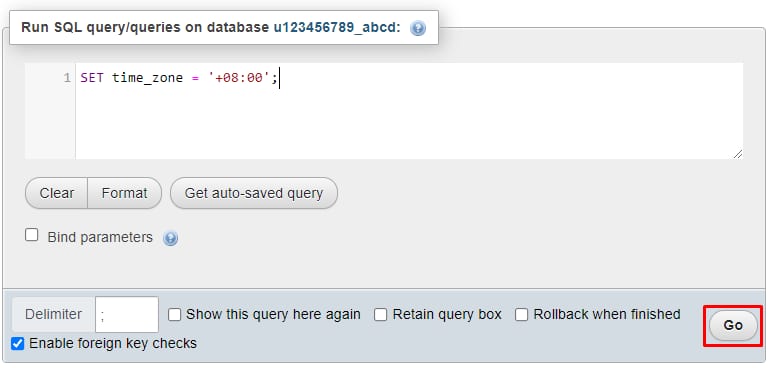
你可以通过在 phpMyAdmin 中使用 SQL 命令,轻松设置数据库会话的时区。只需 通过 phpMyAdmin 打开你的数据库,并进入 SQL 部分:
进入后,插入以下命令:
SET time_zone = '+hh:00';
将 +hh 替换为对应的 UTC 时区。例如,UTC-03:00 应为:
SET time_zone = '-03:00';
接下来,点击 Go(执行) 按钮以应用更改:
就这么简单!你已成功更改数据库中当前 MySQL 会话的时区。
注意:
-
当前会话结束后,时区会恢复为 默认时区(UTC+00:00)。或者,你可以使用 PHP date_default_timezone 函数来设置网站的时区
-
如果你需要永久更改全局服务器时区,可以考虑使用 VPS 计划
来源:Hostinger 官方帮助文档